Invite Participants
Getting people into your webinar shouldn’t feel like extra work. Inviting participants at LiveWebinar is simple: you can bring the right people together in just a few clicks. You’ve got all you need in one place.



How to Invite your Audience?
At LiveWebinar, inviting your audience is fast and flexible. You can send both email and SMS invitations directly from one organized dashboard — no need for extra tools or juggling multiple tabs. Just type in email addresses manually or upload a contact list and your invites go out instantly. Your participants get everything they need to join your event right away.
Manage everything in one clean dashboard and save time on repetitive tasks

Send customized email invitations



.


LiveWebinar SMS invitation and reminders partners


Webinar Invitations at LiveWebinar
Take Control of Your Participant List
Easily manage who’s invited – send email invitations either by typing emails manually or uploading the list of participants’ emails. All in one place.
Personal, Professional, and Reliable
Your attendees get direct access links and clear instructions that can be instantly translated into many languages, so nobody misses a thing.
.
Give Custom Roles
Easily set who is a presenter, moderator, or attendee while sending the invitation emails – before the session starts.
.
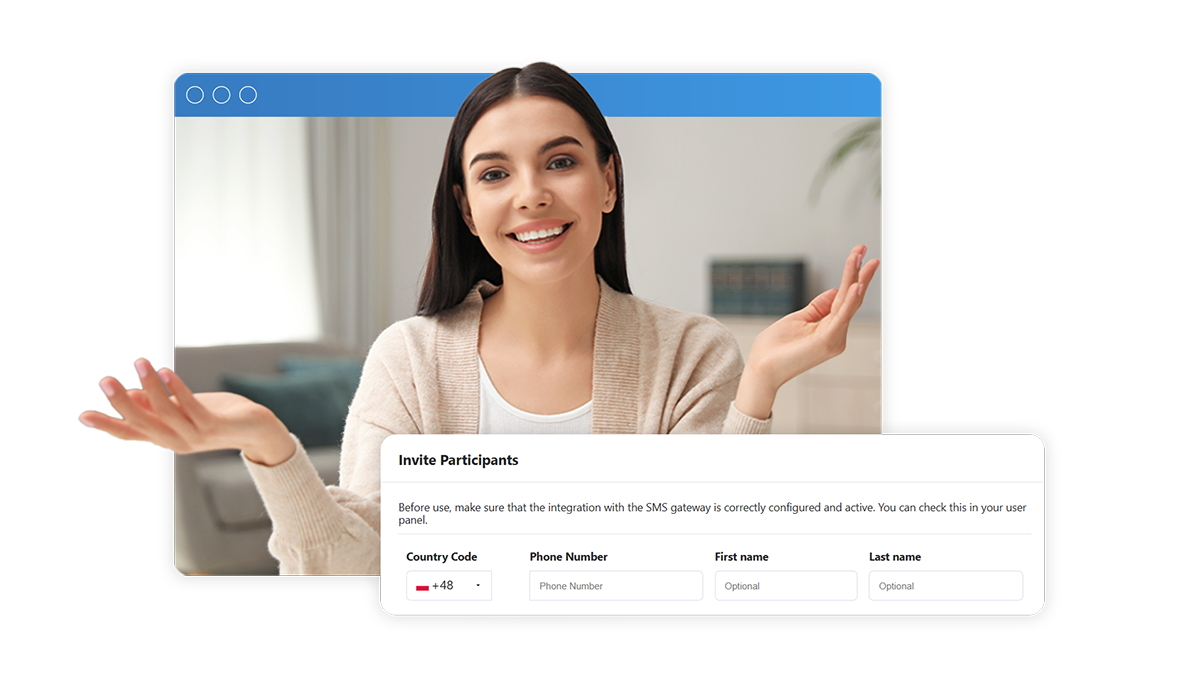
Create an Announcement that Pulls People in
Increase your webinar attendance by matching the type of invitation to your guest’s preferences. Choose between different invitation options and surprise your participants with the ease of joining in!
How to invite participants at LiveWebinar?
See how simple it is:
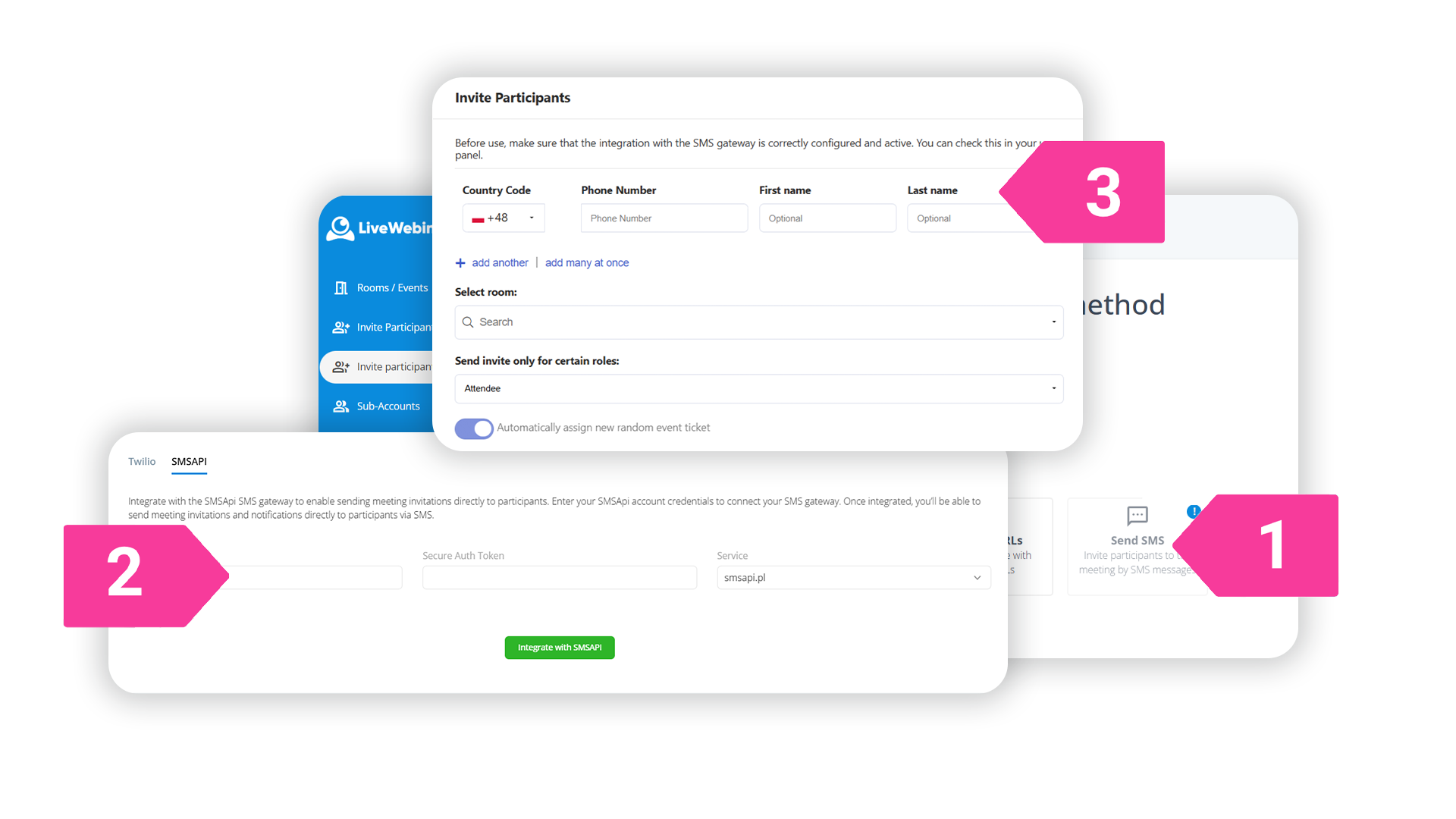
1. Go to Invite Participants tab in the side panel.
2. Choose the invitation method.
3. Send invitations.
Ready to welcome your audience?
Make joining your webinars seriously effortless.
Sign up for your free LiveWebinar account and start gathering your audience today.