Choose a perfect formula for your meeting
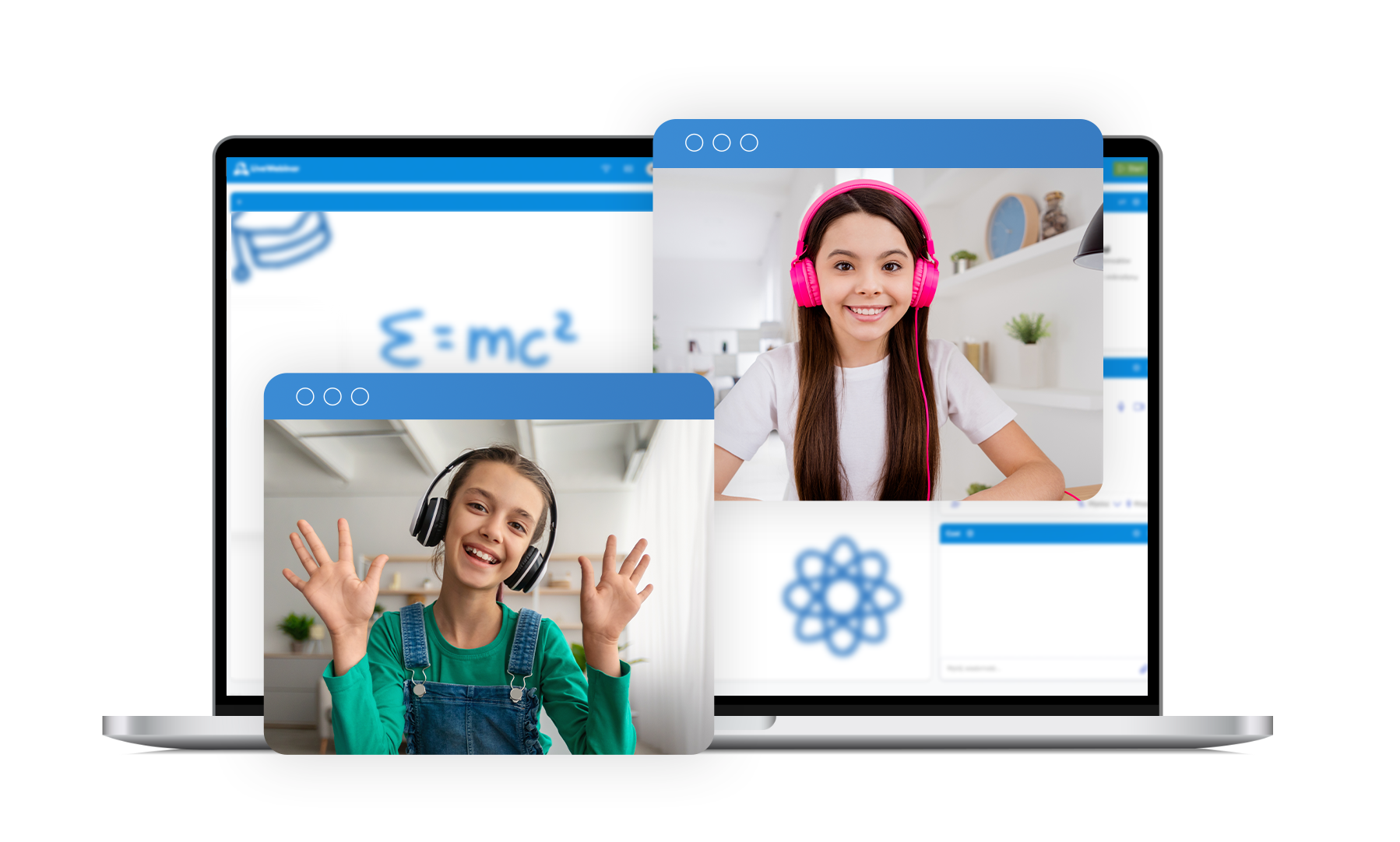
Running a webinar, conference or online class? Every meeting requires an unique approach. Switch smoothly between four different Audio Modes during one session and have full control over the interactions in the room.
Discussion Mode
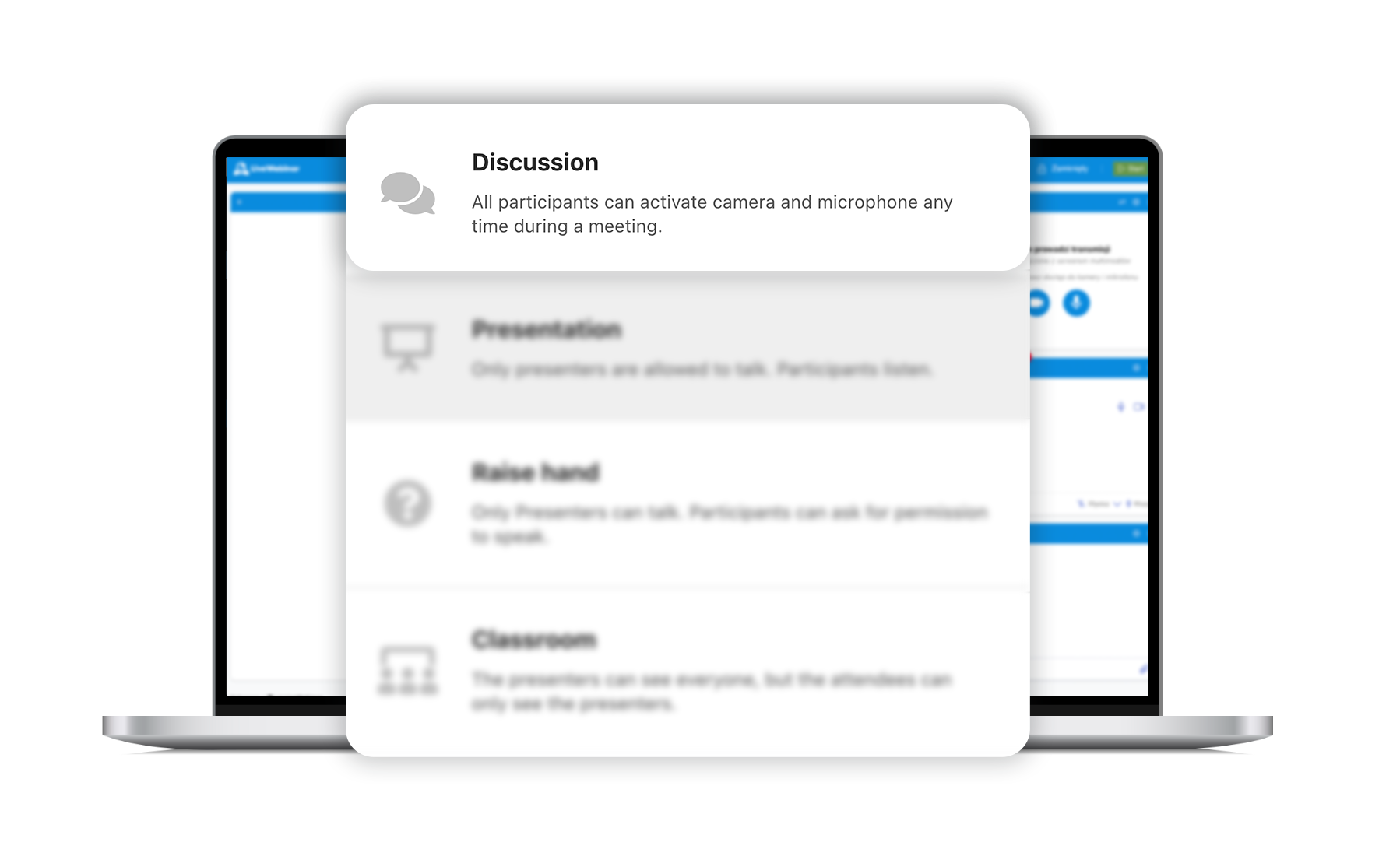
LiveWebinar Discussion Audio Mode is perfect for running sessions with a large number of attendees. Create interactions among your guests and let them share their audio and video.
Manage a discussion platform for up to 25 attendees
Create a discussion-friendly environment by bringing multiple speakers to your stage. Now they can communicate with each other while you moderate the conversation and keep your finger on the pulse of the meeting’s agenda.
Presentation Mode
The Presentation Audio Mode gives a free hand to the presenter and works best for webinars or online classes. Show ideas and share knowledge with your listeners – in this mode you’re in the central point of the meeting.
Make speaking your specialty
Leave Q&A’s and discussions for later and present your message without interruptions. Give yourself valuable time and allow yourself to focus on the meeting’s topic and present it to your audience from an expert-level.
Raise Hand
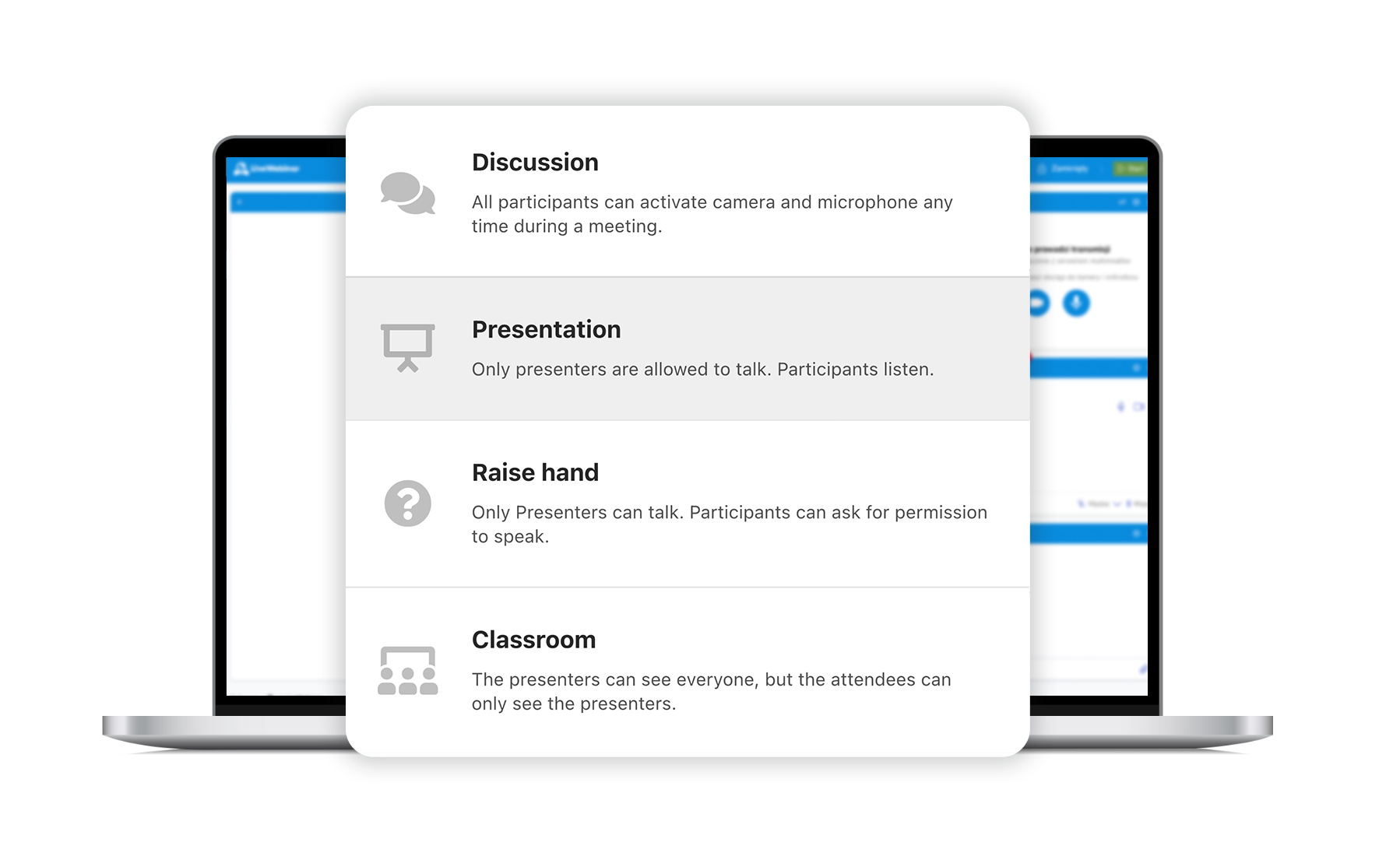
Share the benefits of discussing and presenting in one session. With the Raise Hand Audio Mode you’ll be able to give a voice to your participants all while keeping a key role in the meeting.
Wake up your audiences’ curiosity
Magnify your attendees’ engagement with the Raise Hand Mode – allow them to speak up and ask questions. Run a balanced Q&A session by encouraging your audience to interact with your content and moderating the discussion.
Classroom Mode
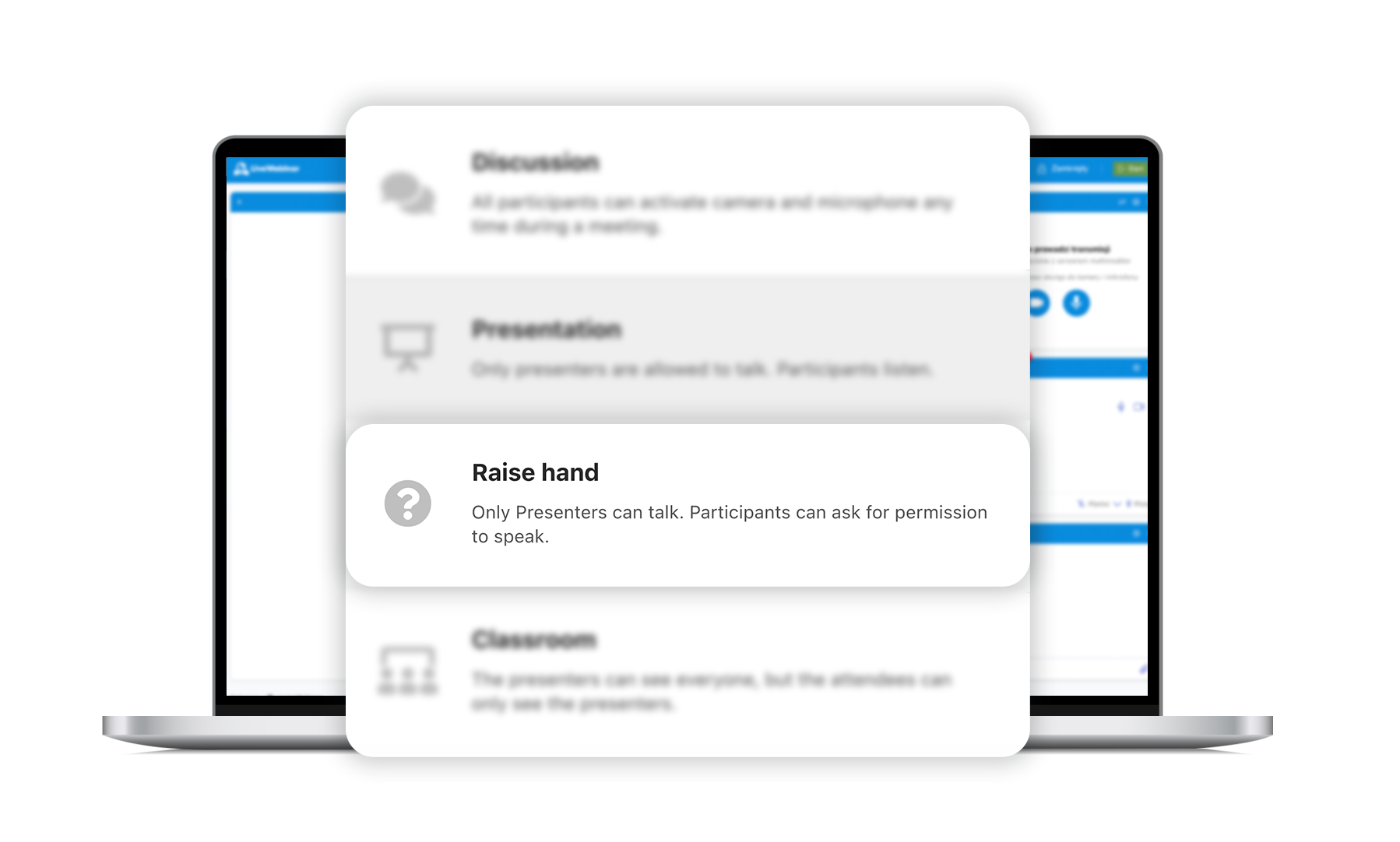
Create a focused, distraction-free learning environment. Presenters can see all attendees, while participants only see the presenters — perfect for training sessions, workshops, and educational webinars.
.
Create a Classroom
Classroom Mode recreates the focus of a real classroom. Presenters can see how participants react, monitor their engagement, and manage interactions in real time, but the attendees don’t see each other. This setup helps keep sessions organized and attendees focused the content.
l.