Let’s be real: video isn't just a "nice-to-have" anymore. It’s how we talk, learn, and buy things. But as we move through 2026, the way we use video is changing fast. It’s not just about pointing a camera and hitting record; it’s about making sure people actually stay tuned in.
In this guide, we’ll look at the biggest trends and how you can use them to get real results for your business - without it feeling like a second full-time job.

Table of Contents
The Evolution of Video: Why 2026 is Different
2: Let AI Do the "Boring Stuff"
3: One Big Video, Ten Small Clips
4: Think Vertical and Quiet (Vertical-First & Silent Viewing)
5: "Live" Without Being Live (The ROI Hack)
6: Private Rooms for Better Learning
9: Make It a Game (Gamification)
10: Let Your Customers Do the Talking (UGC)
11: Videos Made Just for "You" (Personalization)
The Evolution of Video: Why 2026 is Different
Remember when video was just something we watched passively while eating lunch? Those days are gone. In 2026, video is a two-way street. We’ve shifted from "passive watching" to "active participating."
But there’s a catch. Our attention spans have hit an all-time low. Studies from a few years back showed that the average adult could focus for about 17 minutes in a meeting. Today, in the digital world, you have roughly 3 to 9 seconds to hook someone before they scroll past. Between constant notifications and the habit of "triple-screening" (watching a show while scrolling Reels and chatting on Slack), your video isn't just competing with other brands – it's competing with the entire world's noise.
The secret to winning in 2026? Authenticity over high-gloss production. People are tired of over-edited, fake perfection. They want real stories, raw behind-the-scenes footage, and content that feels human.
Here are the most popular trends for video content in 2026:
Trend 1: Shop While You Watch
Imagine you’re hosting a webinar about a new skincare line. In the past, you’d tell people to "check the link in the bio" after the stream. In 2026, that’s too many steps.
With shoppable video, clickable hotspots and CTA buttons live inside the player. While the presenter demonstrates the product, a "Buy Now" button pops up in the webinar sidebar. One click, and the transaction is done without the user ever leaving the video. It’s seamless, fast, and converts like crazy.
Trend 2: Let AI Do the "Boring Stuff"
Creating video is a lot of work. Scripting, filming, and editing for five different apps adds up fast. This is where AI tools save the day.
- The Script: Let AI write your outline so you aren't staring at a blank page.
- The Edit: AI can clean up your audio, fix the colors, and even cut out the "ums" and "ahs." This leaves you free to focus on the fun, creative part: telling your story.
Read more about video content creation tools in our other blog post.
Trend 3: One Big Video, Ten Small Clips"
Don't just post a long video once and forget about it. The smartest move in 2026 is to take one long webinar or interview and chop it into tiny, "snackable" clips for TikTok or Instagram.
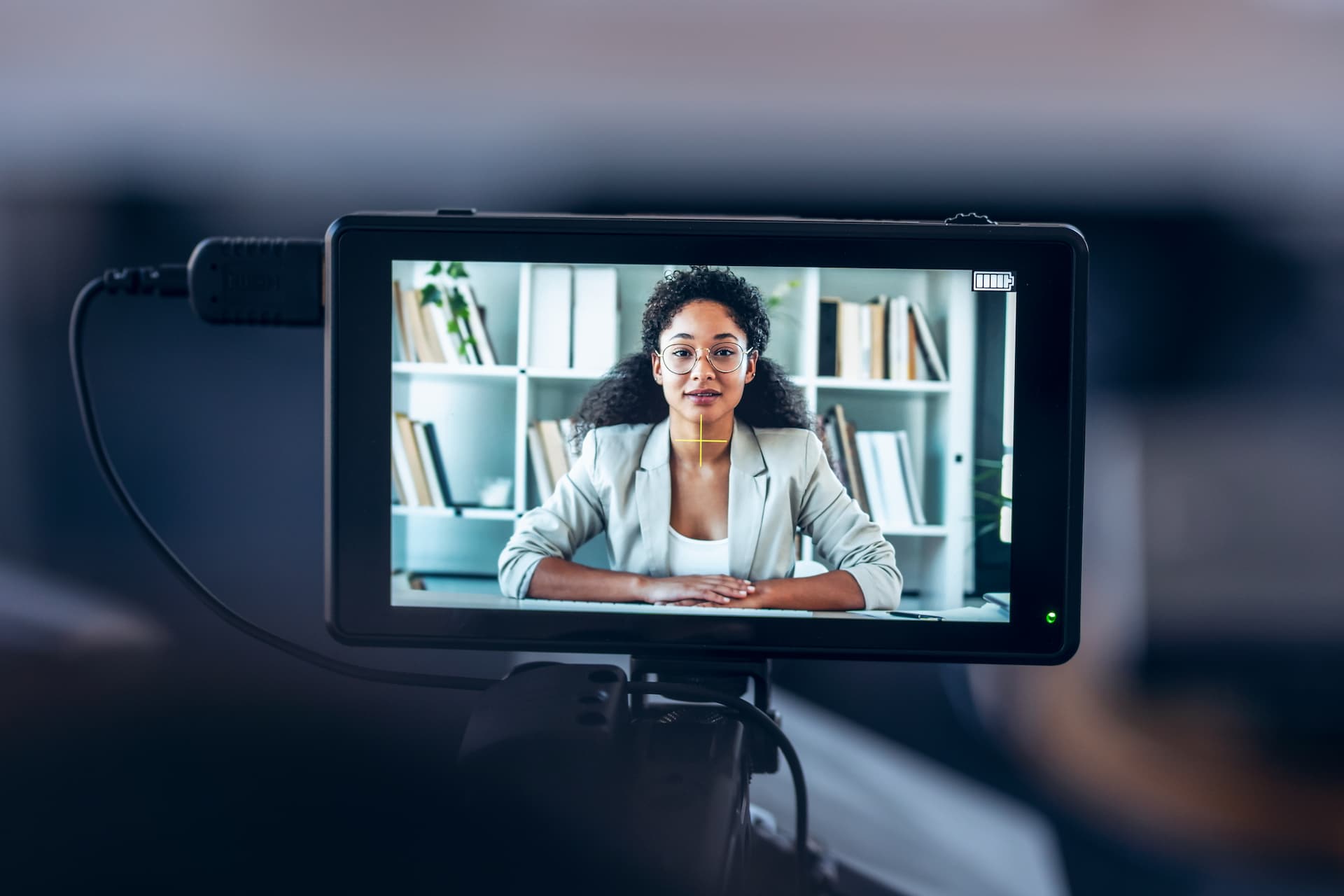
Pro tip: Most people watch with the sound off (at work or on the bus), so always add captions!
Read more about repurposing videos in our other blogpost.
Trend 4: Think Vertical and Quiet (Vertical-First & Silent Viewing)"
Most people watch video on their phones while they are on the go, often with the sound turned off. To keep them watching:
- Film in Vertical (9:16): Don't make people rotate their phones.
- Optimize for Silence: Use captions and text overlays so they can understand exactly what’s happening without needing headphones.
Trend 5: "Live" Without Being Live (The ROI Hack)"
You can't be on camera every single day - you’d burn out. Automated Webinars are the solution. You record a great presentation once, and it plays for new viewers at set times. It feels live, the chat is active, but you get to spend that hour doing something else. It’s a massive time-saver.
Trend 6: Private Rooms for Better Learning"
Social media is noisy. Sometimes, you want a quiet, private space to teach or share big ideas. Using a secure "Classroom Mode" makes people feel safer. When attendees know their privacy is protected, they ask more questions and stay more engaged.
Trend 7: Peek Behind the Curtain"
Everyone is a little bit nosy, we all love seeing how the "magic" happens! That’s why behind-the-scenes (BTS) content is so powerful. It’s not about having a perfect, polished brand; it’s about showing the real people and the hard work back at the office.
Whether you're a big B2B company or a small shop, showing your brainstorming sessions, your messy desks, or your team laughing together makes you relatable. It proves there are real humans behind the screen, which builds trust faster than any shiny ad ever could. Real-time webinars actually help achieve this very well.
Pro Tip: Don’t hide the "messy" parts. The mistakes and the raw process are what make people remember you.
Trend 8: The Power of Going Live"
Livestreaming is the ultimate "no-filter" experience. There are no edits or do-overs—it’s just you and your audience hanging out in real time.
Whether you’re doing a Q&A or launching a new product, going live creates an energy that recorded videos can't match. People love being able to ask a question and get an answer right away. It shows you’re transparent, confident, and ready to connect.
Pro Tip: Stop worrying about being perfect on camera. A little slip-up actually makes you more likable because it keeps things real.
Trend 9: Make It a Game (Gamification)"
The best way to stop someone from scrolling past your video is to give them something to do. Instead of just sitting there like a "couch potato," your viewers become part of the action.
Think about a coffee brand doing a "Guess the Flavor" challenge: they show a close-up of a drink being made and ask viewers to comment with their best guess before the answer is revealed. Or, imagine a fitness coach doing a "15-Second Challenge" where they ask the audience to see how many squats they can do during a quick commercial break. When you invite people to play along, they stop watching and start participating.
How LiveWebinar Makes it Fun
You don’t need to be a coder or a game designer to make your videos interactive. LiveWebinar has these tools built right in, so you can turn a boring meeting into a fun experience with just a few clicks:
- Live Polls & Quizzes: Want to do a "Guess the Answer" game? Pop up a poll in the middle of your stream. It keeps people’s hands on their keyboards and their eyes on you.
- The Whiteboard: Stop just showing slides! Draw out a challenge, ask a volunteer to "circle the right answer," or brainstorm ideas together in real time. It feels like a shared game, not a lecture.
The Engagement feature – LiveWebinar lets you:
- Track and Reward: Use the built-in system to give points to participants who stay involved. It’s like a live leaderboard for your meeting!
- Give Out "Points": Whether they are answering a poll or clicking a button, the platform tracks their activity, making every interaction feel like progress.
- Create a Competitive Edge: By rewarding people for taking part, you turn a standard presentation into a motivating, high-energy experience where everyone wants to be at the top.
Let Your Customers Do the Talking (UGC)"
User-Generated Content (UGC) is marketing gold. When a real customer posts a video saying how much they love your brand, it’s a thousand times more convincing than any commercial you could pay for.
In 2026, people trust other shoppers more than they trust companies. Make it easy for your fans to tag you, and make sure to celebrate them by resharing their videos. It builds a loyal community that does your marketing for you.
Pro Tip: Encourage your customers to get creative. The more "real" and "creator-style" their videos look, the better they will perform.
Trend 11: Videos Made Just for "You" (Personalization)
Nobody likes a generic, "one-size-fits-all" corporate video. In 2026, the best brands are making different versions of their videos for different groups of people.
Instead of one video for everyone, you might have:
- One version for beginners that keeps things simple.
- One version for experts that dives into the technical details.
- Different visuals or music depending on what that specific group likes.
It’s all about making the viewer feel like you’re talking directly to them and their specific needs.
Pro Tip: Think about your different "types" of customers. How can you tweak your main video so it speaks their language?
How LiveWebinar Helps You Master These Trends"
You don’t need a film crew or a team of IT experts to make your video content look modern and professional. LiveWebinar is like a Swiss Army knife for video, it handles the heavy lifting so you can focus on your message:
- Interactive Buttons (CTA): Want to sell something during your video? Instead of asking people to "find the link in the description," pop up a big, clear button directly on the screen. They click, they buy, it’s that simple.
- Live Polls & Tests: The fight for attention is constant. With live polls, your viewers stop being just "watchers" and start being participants. It’s the best way to make sure nobody wanders off to check social media in the middle of your talk.
- Classroom Mode: If you run training sessions, you’ll love this. It lets participants focus entirely on you and your materials by hiding other attendees. It’s pure, distraction-free learning.
- Branding Tool: Forget boring, grey meeting rooms. With LiveWebinar, you can change the colors, logo, and background to match your business perfectly. Your clients will immediately feel like they are in a professional environment.
- Evergreen Webinars: Record your best presentation once and set it to play automatically at specific times. The system handles everything while you’re out grabbing a coffee or planning your next big project.
- Statistics&Reports: LiveWebinar tells you exactly when people lost interest. This gives you a clear "map" of which parts were boring and what you should tweak next time to keep people hooked.
Want to see how it works for your business? [Try LiveWebinar for Free] and start creating video content that actually gets people talking.
The Bottom Line: Stop Broadcasting, Start Talking"
The biggest trend isn't a fancy camera – it’s connection. Stop talking at your audience and start talking with them. Whether it’s a 10-second clip or a hour-long class, make it a conversation.
Ready to try it? [Try LiveWebinar for Free] and see how easy it is to get people engaged.
Want more tips? [Download our 2026 Report] to see what else is coming next.
How to Use Breakout Rooms for Business Meetings and Events