In this guide, we compare 10 of the best interactive collaboration software solutions for team projects, looking at their key features, strengths, ideal use cases, and what type of team each platform is best suited for.

What is the best interactive collaboration software?
The best interactive collaboration software depends on your team's size, workflow, communication style, and project requirements. LiveWebinar is a versatile option for teams that need interactive online meetings, webinars, training sessions, presentations, screen sharing, whiteboards, polls, breakout rooms, and audience engagement.
Table of Contents
- What Is Interactive Collaboration Software?
- What Should You Look for in Collaboration Software?
- How We Ranked These Tools
- 10 Best Interactive Collaboration Software for Team Projects
- LiveWebinar – Best for Interactive Online Collaboration
- Microsoft Teams – Best for Enterprise Communication
- Slack – Best for Team Communication
- Google Workspace – Best for Collaborative Productivity
- Asana – Best for Project Management
- Trello – Best for Visual Project Management
- Miro – Best for Brainstorming and Visual Collaboration
- ClickUp – Best for All-in-One Project Management
- Zoom – Best for Video Meetings
- Monday.com – Best for Customizable Team Workflows
- How to Choose the Right Collaboration Tool
- Frequently Asked Questions
- Final Thoughts
How We Ranked These Tools
We evaluated the products in this list through a four-step process. Our goal was to look beyond feature lists and assess how well each platform supports real-world team collaboration.
| Step | What We Evaluated | What We Looked For |
|---|---|---|
| 1. Core Collaboration Features | Communication and teamwork capabilities | Video meetings, messaging, file sharing, screen sharing, real-time collaboration, and tools that help teams work together. |
| 2. Interactive Capabilities | Features that encourage active participation | Whiteboards, polls, Q&A, breakout rooms, presentations, brainstorming tools, and other interactive features. |
| 3. Usability & Flexibility | Ease of use and adaptability | User experience, setup process, customization options, integrations, and suitability for different team sizes and workflows. |
| 4. Best Use Cases | Practical value for different teams | We considered which types of teams and projects each platform is best suited for, from remote meetings and brainstorming to project management and online training. |
Quick Answer: Best Interactive Collaboration Software
- LiveWebinar: Best for interactive online meetings, webinars, training, and presentations.
- Microsoft Teams: Best for organizations using Microsoft 365.
- Slack: Best for team communication and collaboration.
- Google Workspace: Best for collaborative documents and productivity.
- Asana: Best for project and task management.
- Trello: Best for visual project management.
- Miro: Best for visual collaboration and brainstorming.
- ClickUp: Best for all-in-one project management.
- Zoom: Best for video meetings and virtual collaboration.
- Monday.com: Best for customizable team workflows.
What Is Interactive Collaboration Software?
Interactive collaboration software is a digital tool that helps teams communicate, exchange ideas, share information, and work together on projects — regardless of where team members are located.
Unlike simple communication tools, interactive collaboration platforms often combine several ways of working together.
Why Does Interactive Collaboration Matter?
Remote and hybrid teams increasingly need tools that make online collaboration feel more natural.
A team might use collaboration software to brainstorm a new campaign, organize a product launch, train employees, present a project to stakeholders, or coordinate work across different departments.
The right software can reduce the number of disconnected tools teams need and make information easier to find and share.
10 Best Interactive Collaboration Software for Team Projects
| Platform | Best For | Key Strength |
|---|---|---|
| LiveWebinar | Webinars, meetings, training and presentations | Interactive online collaboration |
| Microsoft Teams | Enterprise communication | Microsoft 365 integration |
| Slack | Team communication | Channels and messaging |
| Google Workspace | Collaborative productivity | Real-time document collaboration |
| Asana | Project management | Tasks and workflows |
| Trello | Visual project management | Kanban boards |
| Miro | Brainstorming and visual collaboration | Online whiteboards |
| ClickUp | All-in-one project management | Flexible workflows |
| Zoom | Video meetings | Video communication |
| Monday.com | Workflow management | Customizable project boards |
Interactive Collaboration Software: Feature Comparison
Different collaboration platforms focus on different types of teamwork. Use the table below to compare the main capabilities available across the tools covered in this guide.
| Platform | Video Meetings | Screen Sharing | Whiteboard | Polls / Q&A | Project Management |
|---|---|---|---|---|---|
| LiveWebinar | ✓ | ✓ | ✓ | ✓ | — |
| Microsoft Teams | ✓ | ✓ | ✓ | ✓ | Limited |
| Slack | ✓ | ✓ | — | Limited | — |
| Google Workspace | ✓ | ✓ | ✓ | Limited | — |
| Asana | — | — | — | — | ✓ |
| Trello | — | — | — | — | ✓ |
| Miro | Limited | ✓ | ✓ | ✓ | Limited |
| ClickUp | ✓ | ✓ | ✓ | Limited | ✓ |
| Zoom | ✓ | ✓ | ✓ | ✓ | — |
| Monday.com | Limited | — | — | — | ✓ |
1. LiveWebinar – Best for Interactive Online Collaboration
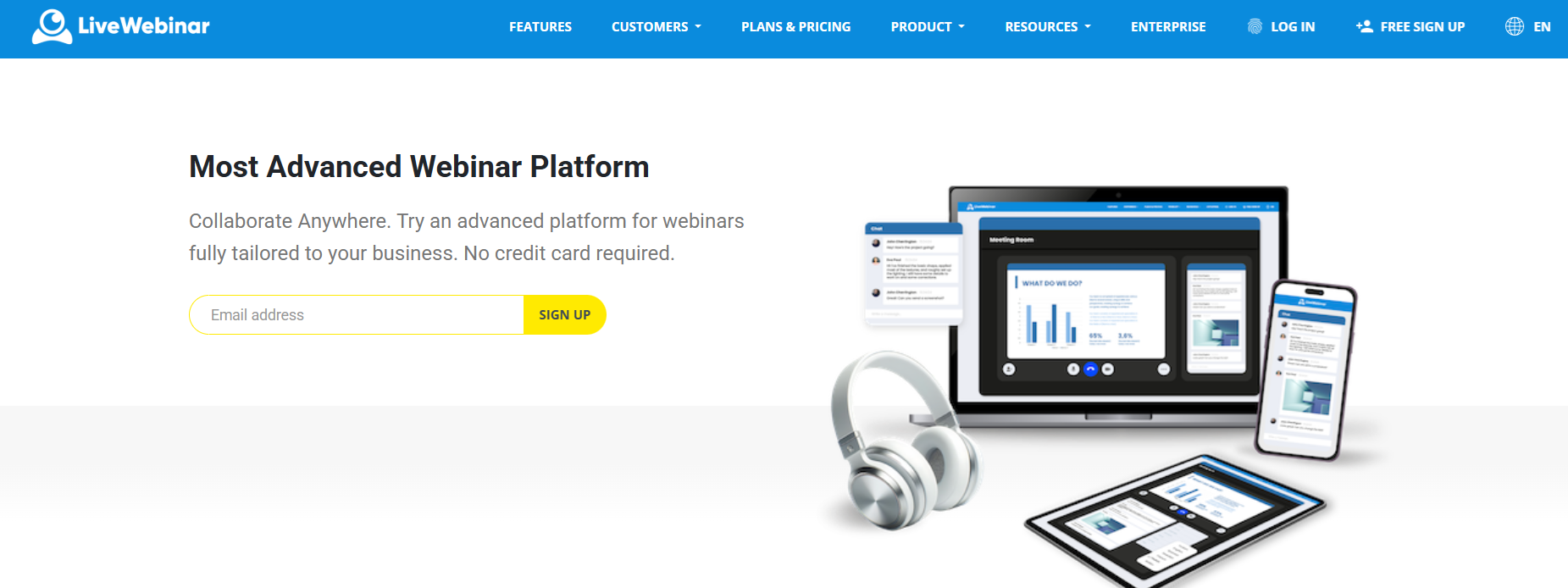
LiveWebinar is an online communication and collaboration platform designed for webinars, virtual meetings, training sessions, presentations, and other interactive online events.
Rather than focusing only on video calls, LiveWebinar provides tools that allow presenters and participants to actively interact during an online session.
Key Features
- HD video and audio
- Screen sharing
- Presentation sharing
- Online whiteboard
- Polls and surveys
- Tests
- Q&A
- Chat
- Breakout rooms
- Webinar recording
- Registration forms
- Analytics
- Custom branding
- Integrations
Why Choose LiveWebinar?
LiveWebinar can be particularly useful when a team needs to present information and actively collaborate with an audience at the same time.
For example, a marketing team could use it for a product presentation, while an HR department could use it for employee training. Sales teams can use interactive sessions for product demonstrations and customer meetings.
It can also help organizations reduce the number of separate tools needed for online events by combining communication, engagement, presentation, and event management features in one platform.
Best For
- Remote meetings
- Online training
- Webinars
- Product demonstrations
- Sales presentations
- Team workshops
- Customer education
- Internal communication
2. Microsoft Teams – Best for Enterprise Communication
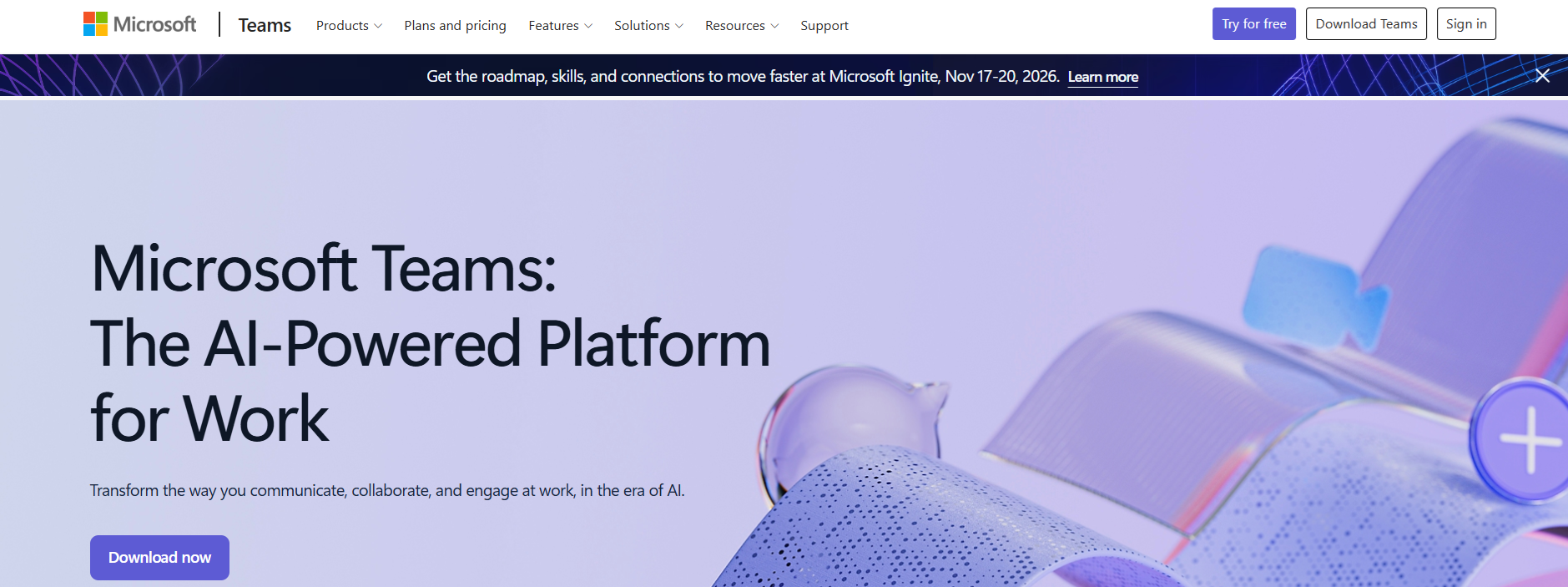
Microsoft Teams combines messaging, meetings, file sharing, collaboration, and workplace communication.
Its biggest advantage is its integration with the Microsoft ecosystem. Teams can work alongside tools such as Microsoft 365, SharePoint, OneDrive, and other Microsoft services.
Key Features
- Team messaging
- Video meetings
- File sharing
- Screen sharing
- Collaborative documents
- Channels
- Calendar integration
Microsoft Teams is particularly useful for organizations that already rely heavily on Microsoft 365 and want their communication and collaboration tools integrated into one ecosystem.
3. Slack – Best for Team Communication
Slack is primarily known as a workplace messaging and communication platform.
Teams can organize conversations into channels based on projects, departments, clients, or topics.
Key Features
- Channels
- Direct messaging
- File sharing
- Notifications
- Search
- App integrations
- Huddles and calls
Slack works particularly well when teams need a central place for fast communication and information sharing.
4. Google Workspace – Best for Collaborative Productivity
Google Workspace combines productivity and collaboration tools such as Google Docs, Sheets, Slides, Drive, Meet, and Calendar.
One of its biggest strengths is real-time collaboration. Multiple team members can work on the same document, spreadsheet, or presentation simultaneously.

Key Features
- Real-time document editing
- Cloud storage
- Video meetings
- Shared calendars
- Comments
- Version history
5. Asana – Best for Project Management
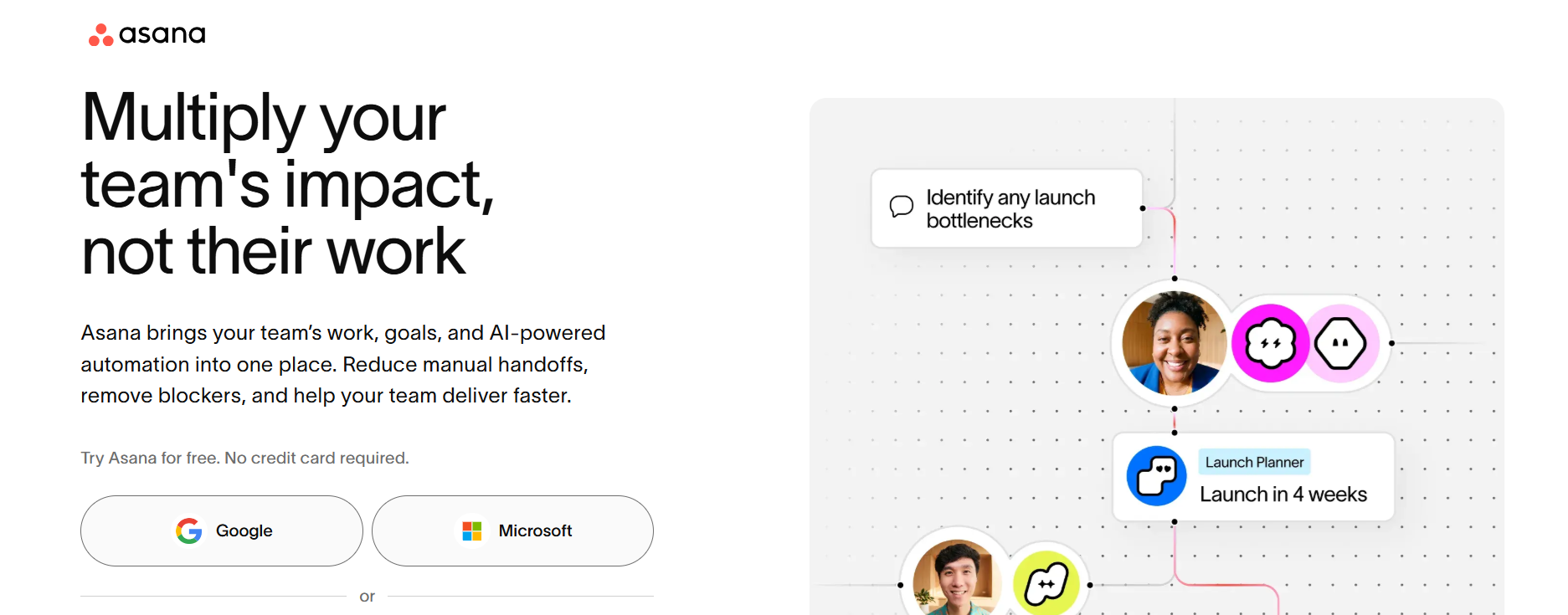
Asana focuses on helping teams organize projects, tasks, responsibilities, and deadlines.
Instead of concentrating primarily on live communication, Asana provides a structured way to manage ongoing work.
Key Features
- Tasks
- Projects
- Assignments
- Deadlines
- Project timelines
- Workflow management
- Progress tracking
Asana works well for marketing teams, product teams, agencies, and organizations that need clear visibility into project progress and responsibilities.
6. Trello – Best for Visual Project Management
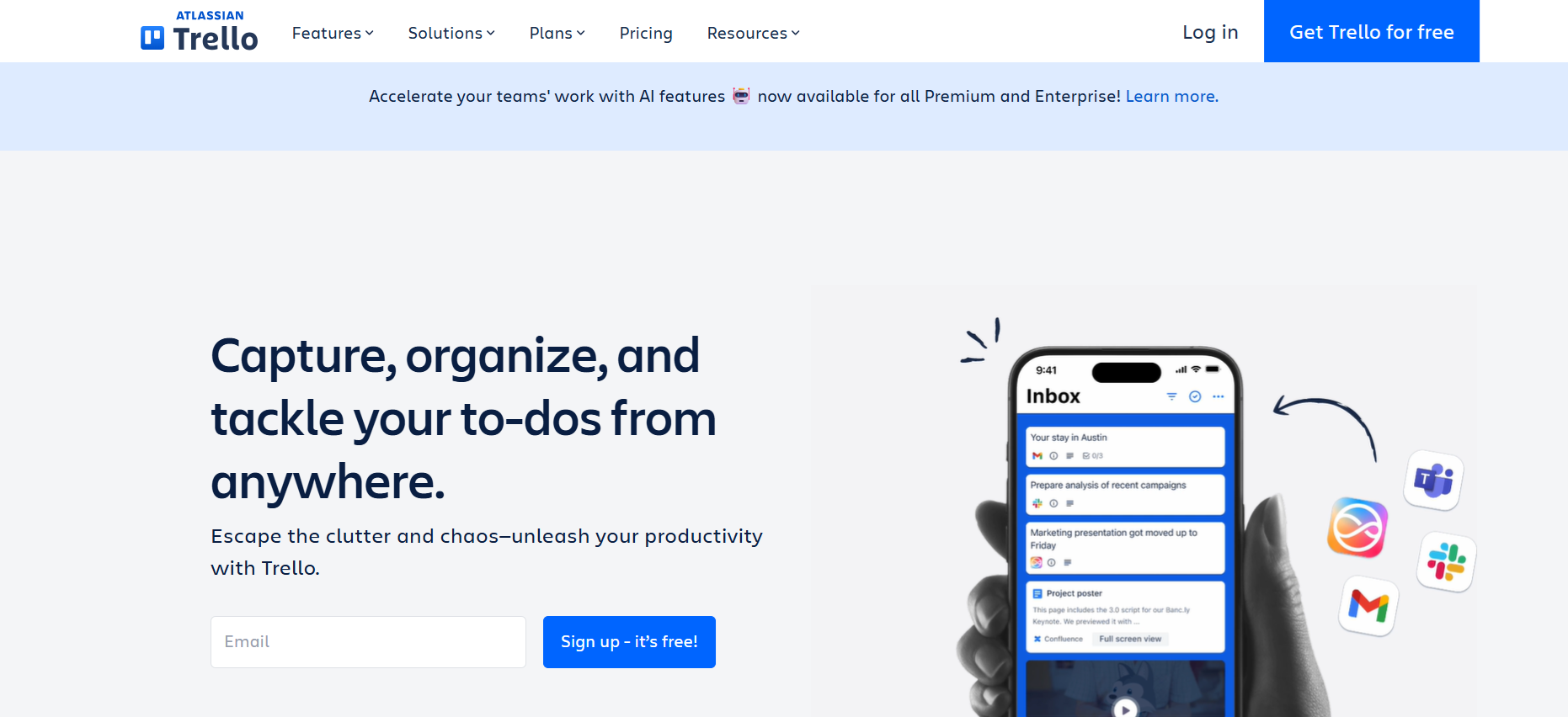
Trello uses boards, lists, and cards to provide a visual overview of projects.
Its simple Kanban-style approach makes it easy to see what needs to be done, what is currently being worked on, and what has been completed.
Key Features
- Boards
- Lists
- Cards
- Checklists
- Deadlines
- Assignments
- Automations
7. Miro – Best for Brainstorming and Visual Collaboration
Miro is an online collaborative whiteboard designed for brainstorming, workshops, planning, and visual thinking.
Team members can work together on a shared digital canvas and use diagrams, sticky notes, templates, and other visual elements.

Key Features
- Online whiteboards
- Sticky notes
- Diagrams
- Templates
- Brainstorming
- Workshops
- Real-time collaboration
Miro is especially useful for creative teams, designers, product teams, consultants, and organizations that rely heavily on visual brainstorming.
8. ClickUp – Best for All-in-One Project Management
ClickUp combines project management, task management, collaboration, documentation, and productivity features.
The platform is designed to bring multiple aspects of project work into a single environment.

Key Features
- Tasks
- Documents
- Goals
- Dashboards
- Automations
- Comments
- Project views
ClickUp can be a good option for teams looking for a highly customizable platform that combines project management and collaboration.
9. Zoom – Best for Video Meetings
Zoom is widely used for video meetings, webinars, presentations, and remote collaboration.
Its familiarity can be a significant advantage because many users already know how to join and participate in Zoom meetings.
Key Features
- Video meetings
- Screen sharing
- Chat
- Breakout rooms
- Recording
- Virtual backgrounds
- Webinars
Zoom is particularly useful for teams that prioritize video communication and need a familiar platform for remote meetings and presentations.
10. Monday.com – Best for Customizable Team Workflows
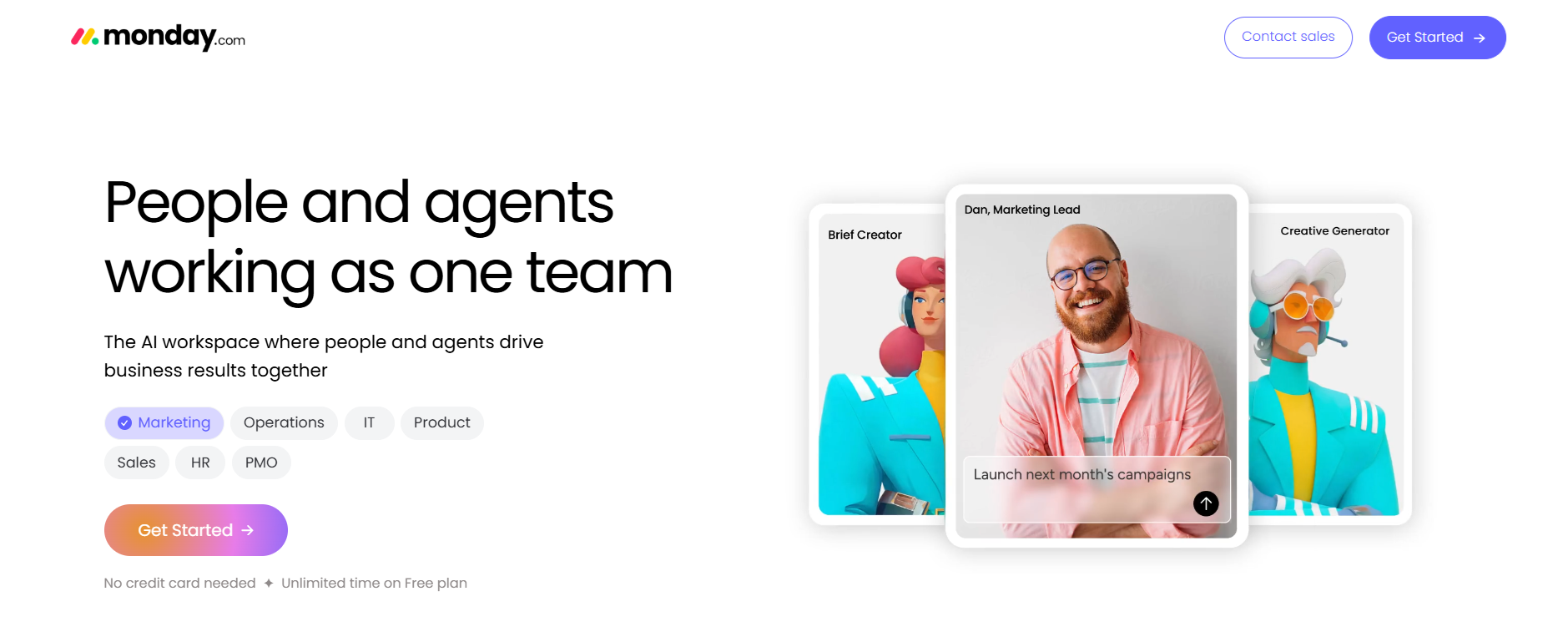
Monday.com is a work management platform that allows teams to build customizable workflows around projects, tasks, and processes.
Its visual boards can be adapted to different types of work and departments.
Key Features
- Customizable boards
- Tasks
- Automations
- Dashboards
- Project tracking
- Workflows
- Reporting
Monday.com can work well for teams that want to build customized workflows around their specific business processes.
How to Choose the Right Collaboration Tool
With so many options available, choosing the right collaboration software can be difficult.
Start with the problem, not the software.
Identify your team's biggest collaboration challenge first. Then choose a platform that solves that specific problem without adding unnecessary complexity.
Do You Need Better Communication?
If your biggest challenge is communication, a platform such as Slack or Microsoft Teams may be the right starting point.
Do You Need Better Project Management?
If your team struggles with deadlines, responsibilities, and project visibility, consider tools such as Asana, Trello, ClickUp, or Monday.com.
Do You Need More Interactive Meetings?
If your team needs to present, train, brainstorm, or engage with participants in real time, look for software with interactive features such as:
- Polls
- Q&A
- Whiteboards
- Screen sharing
- Breakout rooms
- Tests
- Chat
- Presentations
This is where dedicated online collaboration and webinar platforms such as LiveWebinar can be particularly useful.
Do You Need Everything in One Place?
An all-in-one platform can reduce the need to switch between multiple applications.
However, the most important question isn't how many features a platform has — it's whether those features fit your team's workflow.
Frequently Asked Questions
What is interactive collaboration software?
Interactive collaboration software helps teams communicate and work together using features such as video meetings, chat, document sharing, project management, whiteboards, polls, and real-time collaboration.
What is the best collaboration software for remote teams?
The best option depends on the team's needs. Microsoft Teams and Slack are strong choices for communication, while Asana, ClickUp, Trello, and Monday.com focus more heavily on project management. LiveWebinar is useful for interactive meetings, webinars, training, and presentations.
What collaboration software is best for brainstorming?
Miro is particularly well suited to visual brainstorming because it provides a shared online whiteboard and a range of visual collaboration tools.
Can webinar software be used for team collaboration?
Yes. Modern webinar platforms can support more than one-way presentations. Features such as whiteboards, breakout rooms, polls, Q&A, screen sharing, and chat allow teams to collaborate and interact in real time.
What is the difference between collaboration software and project management software?
Collaboration software focuses primarily on communication and teamwork, while project management software focuses on organizing tasks, deadlines, responsibilities, and workflows. Some platforms combine both approaches.
Can collaboration software replace email?
For many internal conversations, collaboration platforms can reduce the need for email by providing channels, direct messaging, notifications, and shared workspaces. However, email remains useful for external communication and formal correspondence.
What features should interactive collaboration software have?
Important features can include video conferencing, screen sharing, chat, whiteboards, polls, Q&A, file sharing, project management, integrations, recordings, analytics, and task management.
Final Thoughts
The best interactive collaboration software isn't necessarily the platform with the longest feature list. It's the one that fits the way your team works.
For project management, platforms such as Asana, Trello, ClickUp, and Monday.com can help teams organize work. For communication, Slack and Microsoft Teams provide strong collaboration environments. Google Workspace is particularly useful for teams working together on documents and presentations, while Miro is built around visual collaboration.
If your team's priority is interactive online communication, LiveWebinar offers a different approach by combining webinars, meetings, presentations, training, audience engagement, and collaboration features in one platform.
The key is to identify your team's biggest collaboration challenges first — and then choose the software that solves them most effectively.
Ready to Make Your Online Collaboration More Interactive?
With LiveWebinar, you can create engaging webinars, meetings, training sessions, presentations, and virtual events with interactive tools designed to keep participants involved.
Zoom Meeting vs Webinar: Find the Best for Your Online Event