Standard video conferencing apps are primarily designed to help people communicate and collaborate in real time. But businesses increasingly need online experiences that go beyond a simple video call — from employee training and product demonstrations to lead generation webinars and interactive events.
So, how is LiveWebinar different from standard video conferencing apps? The key difference is scope. While traditional video conferencing tools focus mainly on meetings and communication, LiveWebinar combines online meetings, webinars, training, audience engagement, registration, recording, content sharing, and analytics in one platform.

Quick Answer: How Is LiveWebinar Different?
LiveWebinar goes beyond standard video conferencing.
Traditional meeting apps primarily focus on real-time communication and collaboration. LiveWebinar combines meetings with webinars, training, audience engagement, registration, recording, content sharing, and analytics.
- Standard video conferencing: Primarily designed for meetings and collaboration.
- LiveWebinar: Designed for meetings, webinars, training, presentations, and interactive online events.
- Main difference: LiveWebinar supports a broader online event workflow beyond the video call itself.
Table of Contents
- What Is a Standard Video Conferencing App?
- What Is LiveWebinar?
- LiveWebinar vs. Standard Video Conferencing Apps
- Meetings vs. Webinars
- Which LiveWebinar Features Go Beyond Video Conferencing?
- Why Businesses Use LiveWebinar Instead of Multiple Tools
- LiveWebinar Use Cases
- How to Choose the Right Online Meeting Platform
- Frequently Asked Questions
- Final Thoughts
1. What Is a Standard Video Conferencing App?
A standard video conferencing app is software designed primarily for real-time communication over the internet.
Typical use cases include:
- Team meetings
- Client calls
- One-to-one conversations
- Remote collaboration
- Presentations
- Project discussions
- Interviews
What Are Video Conferencing Apps Designed For?
The core purpose of video conferencing software is communication and collaboration. A typical online meeting allows participants to join a virtual room, communicate using video and audio, share their screens, exchange messages, and work together in real time.
For many organizations, this is exactly what they need. If your goal is simply to have a quick team meeting or speak with a client, a standard video conferencing platform can be an efficient solution.
When Is a Standard Video Conferencing App Enough?
A traditional meeting application is the right choice when:
- You mainly organize small internal meetings.
- Participants need to communicate directly with one another.
- Collaboration is more important than audience management.
- You rarely organize webinars or large virtual events.
- You already have separate tools for registration, marketing, analytics, and content management.
2. What Is LiveWebinar?
What is LiveWebinar?
LiveWebinar is an online meeting and webinar platform designed to support meetings, webinars, training, presentations, audience engagement, and virtual events.
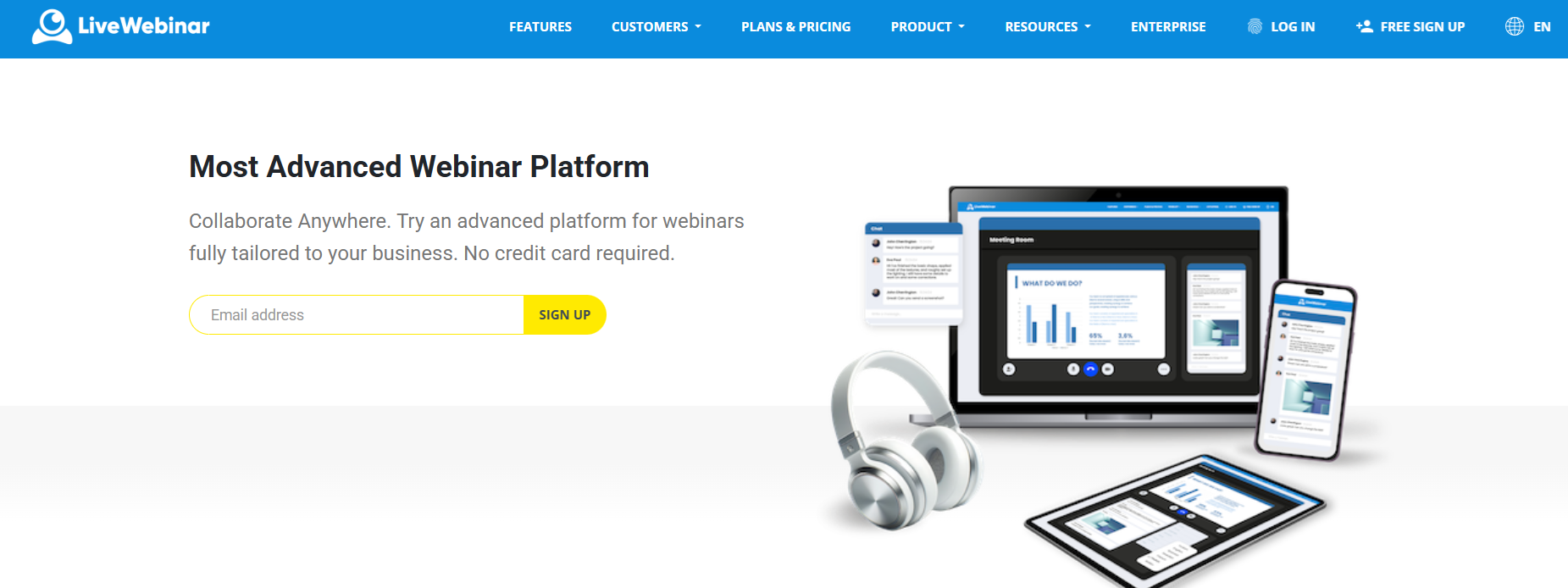
Instead of treating a webinar as simply a larger video meeting, LiveWebinar provides tools that support the broader event experience — from registration and participant management to interaction, recording, content sharing, and analytics.
This makes it particularly useful for organizations that use online events as part of their marketing, sales, training, education, or communication strategies.
More Than Just Video Meetings
A video meeting is usually centered around the conversation itself. A webinar or training program often involves a much broader process:
Registration → Communication → Live Event → Engagement → Recording → Follow-up → Analysis
LiveWebinar is designed to support more of this workflow within one platform.
Meetings, Webinars, Training and Events in One Platform
- Business meetings
- Remote training
- Employee onboarding
- Customer education
- Product demonstrations
- Sales presentations
- Online courses
- Interactive workshops
- Lead generation webinars
- Virtual events
- Webinar series
3. LiveWebinar vs. Standard Video Conferencing Apps: What's the Difference?
What is the main difference?
Standard video conferencing platforms primarily focus on real-time communication. LiveWebinar combines communication with webinar, training, engagement, registration, content, and event-management capabilities.
| Feature | Standard Video Conferencing | LiveWebinar |
|---|---|---|
| Video meetings | ✓ | ✓ |
| Screen sharing | ✓ | ✓ |
| Chat | ✓ | ✓ |
| Webinars | Limited / varies | ✓ |
| Audience engagement | Basic / varies | Advanced |
| Polls & surveys | Varies | ✓ |
| Q&A | Varies | ✓ |
| Breakout rooms | Varies | ✓ |
| Registration | Varies | ✓ |
| Recording | ✓ | ✓ |
| Online training | Basic | ✓ |
| Analytics | Varies | ✓ |
| Custom branding | Varies | ✓ |
The important distinction is not that traditional meeting apps cannot offer individual advanced features. Many can. The difference is that LiveWebinar brings a broader set of meeting, webinar, training, and audience-management capabilities together in one environment.
4. Meetings vs. Webinars: Which Format Do You Actually Need?
An online meeting is generally designed around two-way communication and collaboration. A webinar is usually more structured around presenting information to an audience while giving participants selected opportunities to interact.
When to Use a Video Meeting
- Team collaboration
- Internal discussions
- Client calls
- One-to-one meetings
- Small-group brainstorming
When to Use a Webinar
- Lead generation
- Product presentations
- Customer education
- Large-scale training
- Thought leadership
- Online events
When You Need Both
Many businesses don't fit neatly into either category. A company might use meetings for internal collaboration, webinars for lead generation, training sessions for employees, product demonstrations for prospects, and online courses for customers. LiveWebinar can support these different formats within one platform.
5. Which LiveWebinar Features Go Beyond Video Conferencing?
Audience Engagement
A successful webinar or training session should not have to be a one-way presentation. LiveWebinar supports interactive elements such as polls, surveys, Q&A, chat, tests, reactions, and interactive content.
These features allow presenters to collect feedback, ask questions, check understanding, and involve participants throughout the session.
Breakout Rooms and Collaborative Sessions
Breakout rooms allow a larger audience to be divided into smaller groups. This can be useful for workshops, training exercises, brainstorming, group discussions, team activities, and interactive lessons.
Registration and Participant Management
For a simple internal meeting, you may not need registration. For a webinar, training program, or lead generation event, registration can become an important part of the process.
- Registrations
- Participant information
- Event access
- Attendee lists
- Forms
Recording and Reusable Content
A live event does not necessarily have to end when the meeting ends. Recordings can be reused for training, customer education, product education, webinar replays, online courses, internal documentation, and follow-up communication.
Branding and Customization
For external events, the attendee experience matters. Organizations may want their webinar environment, registration experience, and event materials to reflect their own brand.
Analytics and Engagement Data
Depending on the setup, organizations may want to understand who registered, who attended, how participants interacted, which forms were completed, and how the event performed overall.
6. Why Businesses Use LiveWebinar Instead of Multiple Tools
One of the biggest challenges with online events is tool sprawl. A company may use one application for video meetings, another for webinars, another for registration forms, another for email communication, and another for analytics.
Reduce Tool Sprawl
A broader platform can consolidate more parts of the online event workflow. Instead of switching between multiple applications, teams can manage more of their meeting and webinar activities within one environment.
Keep Event Data in One Place
When information is distributed across several platforms, it can become harder to understand the complete attendee journey. Keeping more event-related information together can make it easier to manage participants and analyze results.
Simplify Workflows for Marketing and Sales
Webinars can help teams generate leads, educate prospects, demonstrate products, engage potential customers, collect participant information, and support follow-up activities.
Create a Consistent Experience for Attendees
Participants should not have to navigate a complicated collection of links, tools, and platforms. A more unified experience can make it easier for attendees to register, join the event, interact, access recordings or materials, and continue their learning journey.
7. LiveWebinar Use Cases
Sales and Lead Generation
Webinars can be used to attract and educate potential customers before a sales conversation. A company can organize a product-focused webinar where prospects learn about a problem, see the product in action, ask questions, and continue the conversation after the event.
Employee Training and Onboarding
LiveWebinar can support structured employee training through multiple live sessions, recordings, interactive features, breakout rooms, tests, surveys, and supporting learning content.
- Company introduction
- Product knowledge
- Processes and tools
- Practical workshops
- Final Q&A
Customer Education
Customer education can help organizations explain products, services, processes, or best practices. Webinars and training sessions give customers an opportunity to learn directly from experts and ask questions in real time.
Product Demonstrations
Live product demonstrations allow sales or product teams to show how a product works and answer questions during the session.
Online Courses and Training Programs
Multiple live sessions can form the basis of an online course:
Module 1: Introduction → Module 2: Core concepts → Module 3: Practical workshop → Module 4: Advanced techniques → Module 5: Final session and Q&A
8. How to Choose the Right Online Meeting Platform
When comparing online meeting platforms, start with your workflow rather than individual features.
1. How Large Are Your Meetings?
A platform suitable for five-person team meetings may not be the right choice for a webinar with a large audience.
2. Do You Need Meetings, Webinars, or Both?
If your organization regularly switches between internal meetings, training, webinars, and virtual events, look for a platform that can support all of these formats.
3. How Important Is Audience Engagement?
- Polls
- Q&A
- Surveys
- Chat
- Breakout rooms
- Interactive content
4. Do You Need Registration?
Registration becomes particularly important for webinars, lead generation, customer education, and external training.
5. Do You Need Recordings?
Consider whether recordings will be used for replays, training, onboarding, customer education, or future content.
6. What Is the Total Cost of Your Tool Stack?
Don't just compare the subscription prices of individual platforms. Consider the total cost of meetings, webinars, registration, engagement, recording, analytics, and follow-up tools.
Frequently Asked Questions
What is the difference between LiveWebinar and Zoom?
Both platforms support online meetings, but their broader focus differs. LiveWebinar combines meetings with webinars, training, audience engagement, registration, recording, and virtual event capabilities.
Is LiveWebinar a video conferencing platform?
Yes. LiveWebinar supports online video and audio meetings, screen sharing, chat, presentations, and collaboration. It also extends beyond basic video conferencing with webinar, training, engagement, registration, recording, and event-management capabilities.
Is LiveWebinar suitable for online meetings?
Yes. LiveWebinar can be used for business meetings, team collaboration, client calls, presentations, training sessions, and other online communication scenarios.
Can LiveWebinar be used for webinars?
Yes. LiveWebinar supports registration, presentations, audience engagement, recording, participant management, and analytics for webinars and virtual events.
Can LiveWebinar be used for employee training?
Yes. LiveWebinar can support structured employee training through live sessions, recordings, interactive features, breakout rooms, tests, surveys, and supporting learning content.
Can LiveWebinar replace multiple online meeting and webinar tools?
Depending on your technology stack, LiveWebinar can consolidate several functions that might otherwise require separate applications, including meetings, webinars, registration, audience engagement, recording, training, and analytics.
Which is better for a webinar: Zoom or LiveWebinar?
The right choice depends on your requirements. If you primarily need a familiar video meeting environment, a general-purpose platform may be sufficient. If your webinar workflow requires broader engagement, training, registration, content, and event-management capabilities, LiveWebinar may be a better fit.
What features should I look for in an online meeting platform?
Consider video and audio quality, screen sharing, chat, recording, participant management, audience engagement, breakout rooms, registration, analytics, integrations, branding, and the platform's ability to support your specific meeting or webinar workflow.
Final Thoughts: Choose a Platform That Matches Your Workflow
The best online meeting platform isn't necessarily the one with the most features. It's the one that supports the way your organization actually communicates, trains, sells, presents, and engages with its audience.
For simple internal conversations, a traditional video conferencing application may be all you need. But when an online meeting becomes a training session, product demonstration, lead generation webinar, online course, or virtual event, the requirements change.
Ready to Go Beyond Standard Video Conferencing?
Use LiveWebinar to create online meetings, interactive training sessions, webinars, and engaging virtual experiences in one platform.
Try LiveWebinar for Free