10 Best White-Label Webinar Software Solutions for Your Business
Running webinars for different audiences can make it hard to keep your brand consistent. Product demos, training sessions, and marketing events may all need different pages and attendee experiences. That’s where white-label webinar software helps. It lets you customize the webinar experience, from registration and the live room to emails and recordings, so everything feels like your brand.

What is white-label webinar software?
White-label webinar software allows businesses to deliver webinars under their own brand by customizing the attendee experience across registration, live events, communications, recordings, and on-demand content.
What to Look for in a White-Label Webinar Platform
White labeling is about more than adding a logo and changing a few colors. The best platforms give you control over the complete webinar experience and make it easier to reuse branded settings for recurring events, different audiences, or multiple campaigns. Learn more about webinar branding and customization.
- End-to-end branding: Look for customization across registration pages, webinar rooms, emails, and on-demand experiences. See how to customize the attendee experience before, during, and after a webinar [8].
- Reusable templates: Templates make it easier to maintain consistent branding across webinar series, training programs, and audience segments [9].
- Automation: Evergreen and simulated-live options can help you scale webinars without presenting the same session repeatedly. Pre-recorded content can also be edited and streamed as part of a live webinar or offered on demand [11].
- Recording and repurposing: HD recordings make it easier to turn webinars into on-demand content and other marketing assets [4]. Learn more about editing and repurposing webinar recordings.
- Analytics: Attendance, engagement, retention, and conversion data help you understand whether your webinars are delivering results.
- Accessibility and engagement: Features such as polls, Q&A, whiteboards, and phone access can make events easier to join and more engaging [2][3].
10 Best White-Label Webinar Platforms at a Glance
| Platform | Pricing | Capacity | White-label options | Best for |
|---|---|---|---|---|
| LiveWebinar | Custom quote (White Label plan) | Plan-dependent | Full white label available as an add-on | Teams wanting to keep their workflow, fully rebranded |
| BigMarker | Custom quote | Configurable, up to 1M | Full — vendor brand disappears entirely | Large-scale events, agencies reselling webinars |
| Demio (Premium) | ~$899/mo | Up to 1,000 per webinar | Full on the Premium plan | Marketing agencies, conference producers |
| Digital Samba | Flat rate or custom quote | Plan-dependent | Full embedding API under your own brand | EU companies with GDPR/data-residency requirements |
| ON24 | Custom quote (premium segment) | Plan-dependent (enterprise) | Advanced branding of console, registration & multi-brand | Large enterprises, data-driven B2B marketing |
| Hubilo | Custom quote | Plan-dependent | Full — no vendor branding or third-party ads | Corporate events, large online conferences |
| WorkCast | from ~£95/mo | Up to 50,000 (Stratus platform) | Full branding on the Enterprise plan | Large corporate webcasts, broadcast-grade events |
| MegaMeeting | Custom quote (enterprise account) | Plan-dependent | Full white label for video conferencing + webinars | Companies reselling the service under their own brand |
| iotum | Custom quote (API/SDK) | Integration-dependent | Full — vendor brand entirely invisible | PBX/UCaaS providers, software houses building their own product |
| LeadingResponse (WebinarConnect) | Managed-service pricing | Package-dependent | Full client branding + concierge support per event | Professional-services firms without their own IT team |
How We Picked the Best White-Label Webinar Software
We focused on the features that matter most when a company needs to deliver webinars that look and feel like part of its own digital experience rather than a third-party event.
- Branding depth: We looked at customization across registration pages, webinar rooms, emails, and on-demand experiences, as well as the ability to reuse branding templates. Explore LiveWebinar's guide to customizing webinar software for your brand [8][9].
- Delivery and scale: The platforms were evaluated for live, automated, recurring, and on-demand workflows. Pre-recorded content can also be edited and streamed as part of a live webinar or offered on demand [11].
- Engagement and interactivity: We considered features such as polls, Q&A, and interactive presentation tools such as virtual whiteboards [2].
- Recording and repurposing: Recording capabilities are important for turning webinars into content that can continue delivering value after the live event [4]. Learn more about webinar recording repurposing.
- Analytics and reporting: We considered whether each platform provides useful data on registration, attendance, https://site-livewebinar-production.s3.us-east-1.amazonaws.com/site/img/marketing/blog/assets43/lw-whitelabel-eng.pngengagement, and follow-up performance
1. LiveWebinar
LiveWebinar Enterprise: A Fully Customized White-Label Webinar Platform
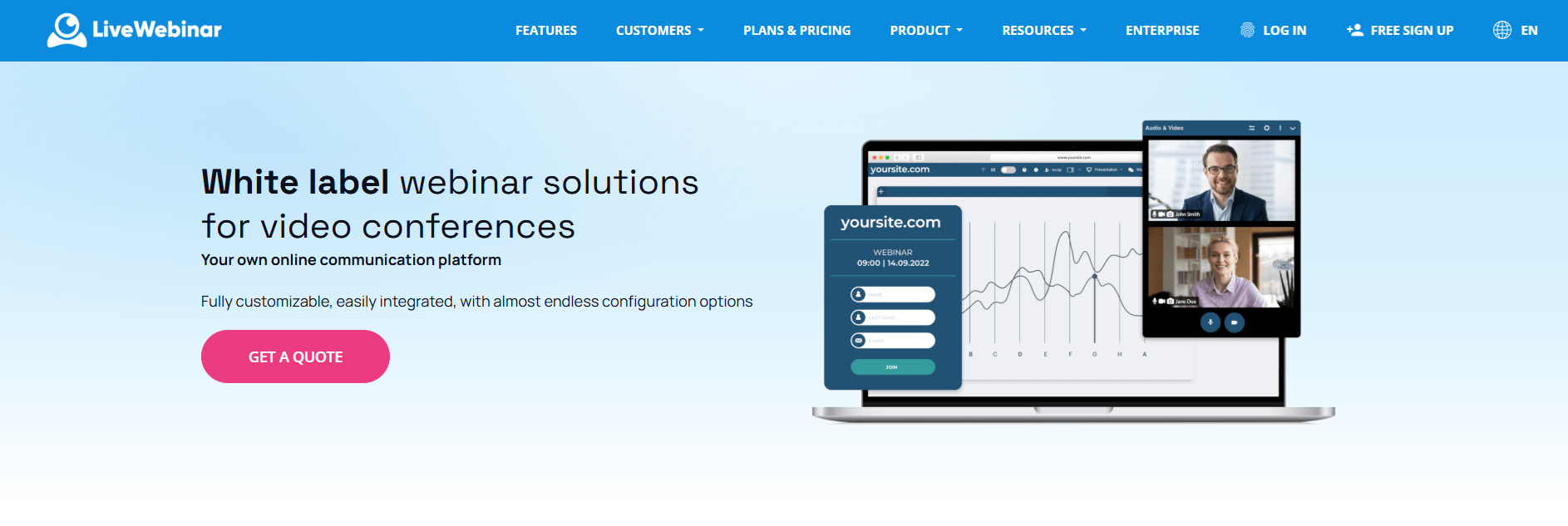
For organizations that need more than standard webinar software, LiveWebinar Enterprise provides a fully customized white-label solution. You can run webinars and online events under your own domain and create an experience that matches your brand across the platform.
The Enterprise offer is built around flexibility. You can choose the features, room layouts, capacity, storage, branding elements, and account settings that fit your business. The platform supports more than 1,500 configuration elements, while selected features can also be assigned to different sub-accounts for specific use cases.
What you get with LiveWebinar Enterprise
- Own domain and branding: Host events under your domain and use your own logo, colors, fonts, and backgrounds.
- Advanced customization: Customize the dashboard, webinar rooms, event pages, registration forms, email templates, and other attendee-facing elements.
- Custom capacity and storage: Set dedicated room capacity, storage space, and recording storage according to your requirements.
- Flexible integrations: Connect the platform with CRM, LMS, CMS, and marketing automation tools using APIs, webhooks, and integrations such as Zapier, Make, Pabbly, and IFTTT.
- Security and access control: Enterprise includes features such as AES 256-bit encryption, SAML 2.0 Single Sign-On, waiting rooms, room passwords, and access tokens.
- Advanced reporting: Get ready-made reports, access source data, and request custom reports based on your own Excel or PDF templates.
- Premium support: Enterprise customers receive implementation guidance, one-on-one training, production support during major events, and VIP assistance.
Best for: Organizations that need a branded webinar infrastructure tailored to their specific workflows, integrations, audience size, and business requirements.
Pricing: LiveWebinar Enterprise is a custom solution, so pricing is provided based on your requirements. Contact LiveWebinar to discuss your Enterprise setup and request a quote.
LiveWebinar: End-to-End Branding Templates with HD Recording
LiveWebinar is a browser-based webinar platform designed for live, automated, and large virtual events. It offers extensive customization across the attendee journey, helping businesses keep their webinars aligned with their visual identity [8].
One of its strongest advantages is the ability to create reusable branding templates. This makes it easier to maintain a consistent experience across different products, regions, customer segments, and recurring webinar series [9].
Key capabilities
- Branding: Customize logos, colors, registration pages, webinar rooms, and attendee touchpoints [8]. See how LiveWebinar can support branded webinar experiences.
- Templates: Reuse branded configurations for different webinar series and audience segments [9].
- Recording: Record webinars in HD for on-demand viewing and content repurposing [4]. Explore LiveWebinar features.
- Analytics: Use advanced reports, analysis, and tracking to measure webinar performance [5].
- Interactivity: Use tools such as polls, Q&A, and a virtual whiteboard for presentations and training [2].
- Access: Provide phone access with toll-free and custom numbers for attendees who prefer to dial in [3].
Best for: Marketing, sales, training, and enablement teams that need to produce multiple brand-consistent webinars without installing software.
Potential limitation: More advanced branding governance and complex configurations may require additional planning and setup. Teams with deeper enterprise requirements can explore LiveWebinar's enterprise options.
2. BigMarker: Deep White-Label Controls for Large-Scale Events
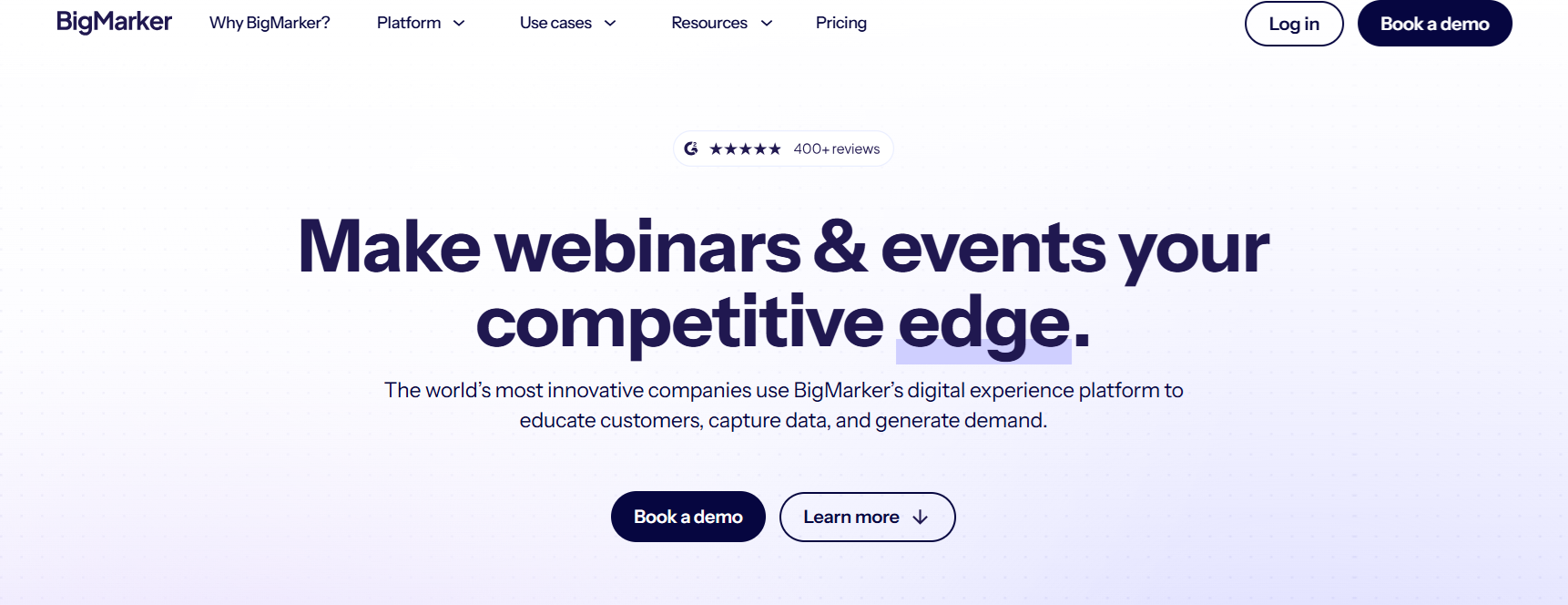
BigMarker is a webinar and virtual-event platform designed for organizations that need extensive customization and the ability to run events at scale. Its white-label capabilities can remove the vendor's branding entirely, making it suitable for companies and agencies delivering webinars under their own brand.
Key capabilities
- Full white labeling: Remove BigMarker branding from the attendee experience.
- Large-scale events: Support configurable webinar capacity, including events with audiences of up to 1 million.
- Event customization: Adapt webinar and event experiences to match your brand.
- Reselling: Use the platform as part of a branded webinar offering for clients.
Best for: Large-scale events and agencies that want to resell webinar services under their own brand.
Potential limitation: Its broad feature set may be more than smaller teams need for straightforward webinar delivery.
3. Demio (Premium): Branded Webinars for Marketing Teams
Demio is a webinar platform focused on making online events easier to create and manage. Its Premium plan includes full white-label capabilities and supports webinars with audiences of up to 1,000 attendees.

Key capabilities
- Full white labeling: Remove platform branding when using the Premium plan.
- Audience capacity: Support webinars with up to 1,000 attendees.
- Branded experiences: Customize the webinar experience to better match your organization.
- Webinar delivery: Use the platform for marketing webinars, presentations, and online events.
Best for: Marketing agencies and conference producers that need branded webinar experiences.
Potential limitation: The Premium plan comes at a significantly higher price point, making it more suitable for businesses with regular webinar requirements.
4. Digital Samba: Embedded Webinars Under Your Own Brand
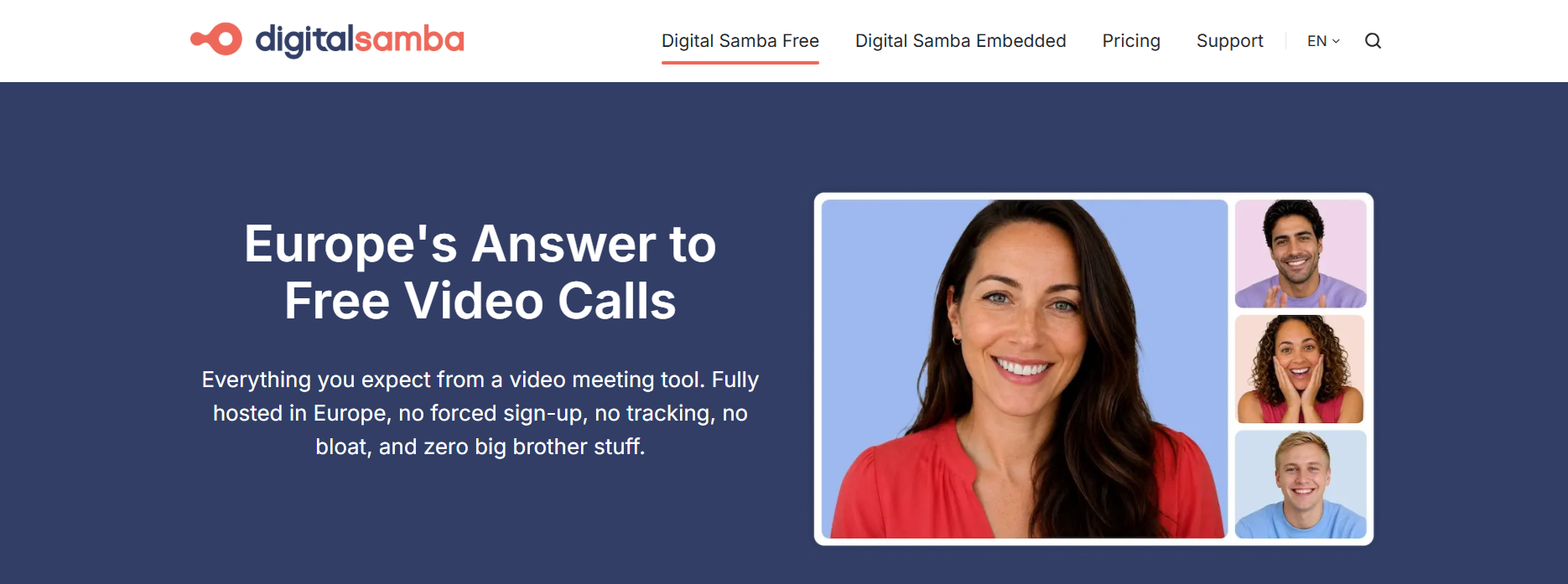
Digital Samba provides video conferencing and webinar capabilities with an emphasis on embedded experiences. Its embedding API allows businesses to integrate webinar functionality directly into their own branded environments.
Key capabilities
- Embedding API: Integrate webinar and video experiences into your own product or website.
- Full branding: Deliver the experience under your own brand rather than exposing the platform's identity.
- Flexible pricing: Choose between flat-rate options and custom pricing depending on your requirements.
- Data considerations: Its positioning can make it relevant for organizations with GDPR and data-residency requirements.
Best for: EU companies that need branded webinar experiences with GDPR and data-residency considerations.
Potential limitation: Capacity and pricing depend on the selected plan and implementation requirements.
5. ON24: Advanced Branding for Enterprise B2B Marketing
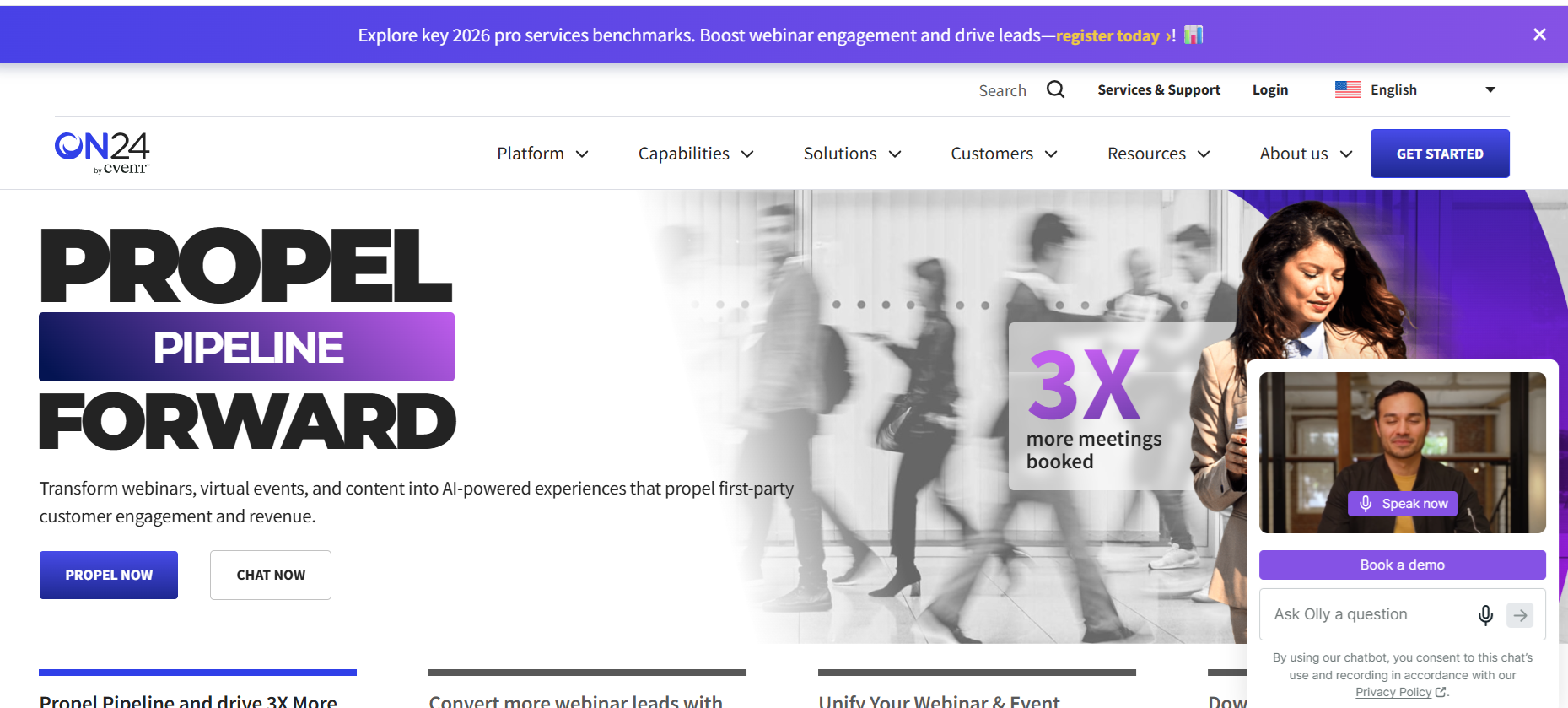
ON24 is an enterprise-focused webinar and digital engagement platform designed for organizations running data-driven marketing programs. Its branding capabilities extend across the webinar console, registration experience, and multi-brand environments.
Key capabilities
- Advanced branding: Customize the webinar console and registration experience.
- Multi-brand support: Manage branded experiences across different business units or brands.
- Enterprise capacity: Support larger webinar programs with capacity based on the selected enterprise setup.
- Marketing focus: Combine branded webinar experiences with data-driven B2B marketing workflows.
Best for: Large enterprises and B2B marketing teams that need advanced branding and data-driven webinar programs.
Potential limitation: ON24 is positioned in the premium enterprise segment, so pricing and implementation may be less accessible to smaller teams.
6. Hubilo: Fully Branded Corporate Events
Hubilo is an event platform designed for corporate events, conferences, and large online experiences. Its white-label capabilities allow organizations to remove vendor branding and third-party advertising from the attendee experience.

Key capabilities
- Full white labeling: Deliver events without visible vendor branding.
- Corporate events: Support large online conferences and branded business events.
- Custom attendee experience: Build event experiences around your organization's visual identity.
- Scalable setup: Capacity depends on the selected plan and event requirements.
Best for: Companies running corporate events and large online conferences.
Potential limitation: Its event-oriented approach may be broader than necessary for businesses that only need simple recurring webinars.
7. WorkCast: Broadcast-Grade Webcasts for Large Audiences
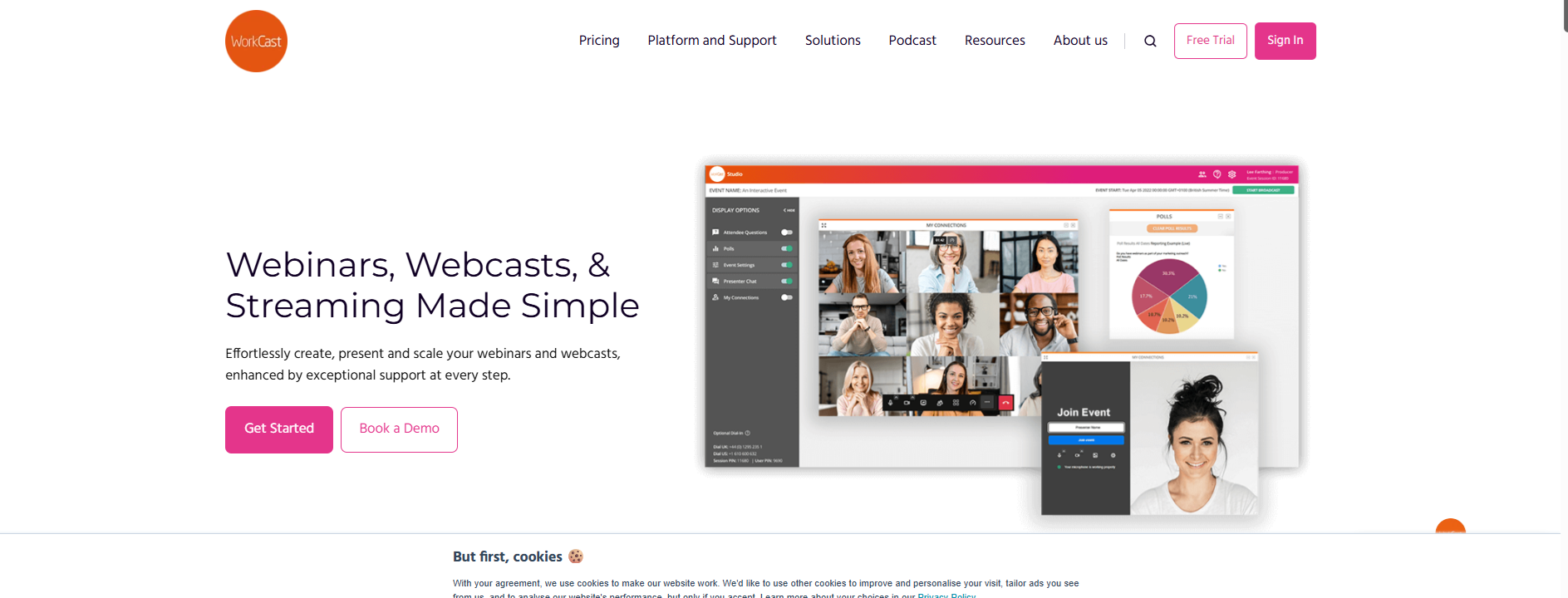
WorkCast is focused on large corporate webcasts and broadcast-style online events. Its Stratus platform can support audiences of up to 50,000, while the Enterprise plan provides full branding capabilities.
Key capabilities
- Large-scale delivery: Support audiences of up to 50,000 through the Stratus platform.
- Enterprise branding: Apply full branding to the webinar and webcast experience.
- Broadcast-style events: Designed for large corporate webcasts and professional online events.
- Flexible pricing: Plans start from around £95 per month, with enterprise options available.
Best for: Large corporate webcasts and organizations that need broadcast-grade online events.
Potential limitation: Its focus on large-scale webcasting may be more than smaller businesses need for simple webinars.
8. MegaMeeting: White-Label Video Conferencing and Webinars
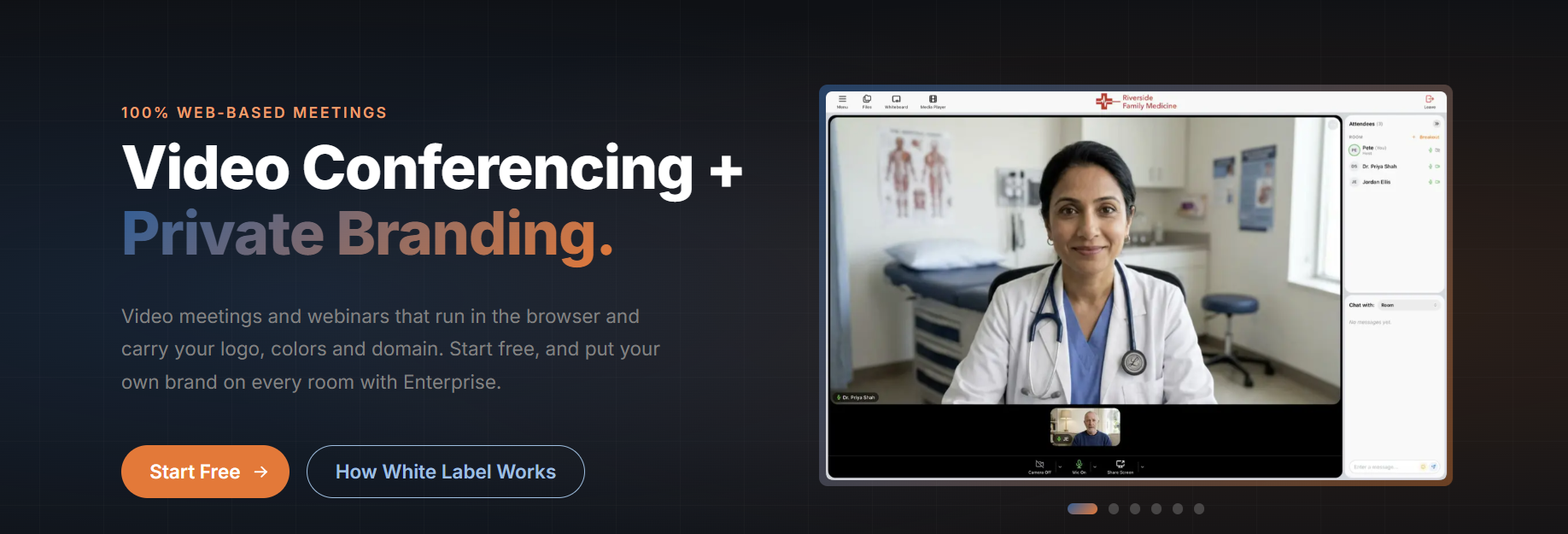
MegaMeeting provides video conferencing and webinar functionality with a full white-label option. It is designed for businesses that want to offer video communication services under their own brand.
Key capabilities
- Full white labeling: Deliver video conferencing and webinars without visible vendor branding.
- Video conferencing: Combine webinar functionality with broader online meeting capabilities.
- Enterprise setup: Capacity and functionality depend on the selected enterprise account.
- Reselling: Build a branded service around the underlying video platform.
Best for: Companies that want to resell video conferencing and webinar services under their own brand.
Potential limitation: Enterprise pricing and configuration can make it less suitable for smaller organizations looking for a simple webinar tool.
9. iotum: API and SDK-Based White-Label Video
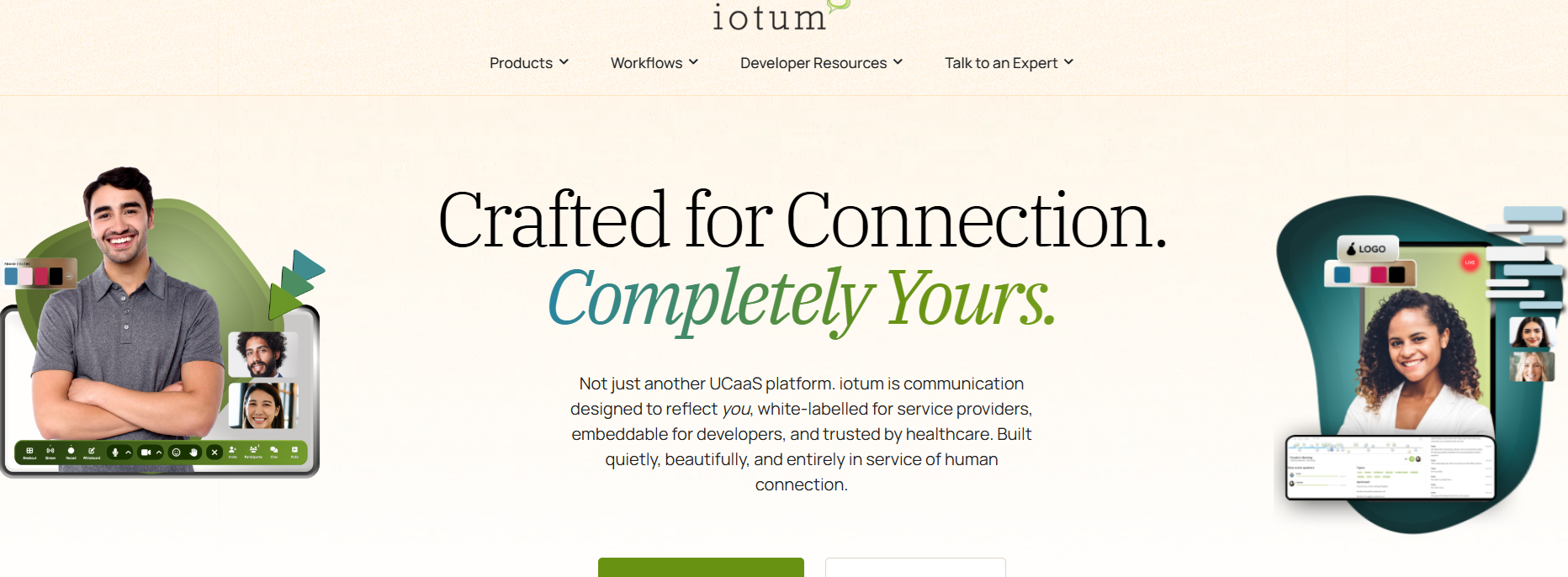
iotum takes a more technology-focused approach to white-label video, providing API and SDK options that allow businesses to integrate video capabilities into their own products and services.
Key capabilities
- API and SDK: Integrate webinar and video functionality into your own software.
- Full white labeling: Keep the underlying vendor brand invisible to end users.
- Custom product experiences: Build video functionality into your own branded application or service.
- Flexible capacity: Capacity depends on the integration and implementation requirements.
Best for: PBX and UCaaS providers and software companies building their own communication or video products.
Potential limitation: An API/SDK-based approach may require more technical resources than a traditional ready-to-use webinar platform.
10. LeadingResponse (WebinarConnect): Managed White-Label Webinar Services
LeadingResponse's WebinarConnect takes a managed-service approach to branded webinars. Instead of relying entirely on an internal team to organize and run each event, businesses can combine client branding with concierge support.

Key capabilities
- Client branding: Deliver webinars using the client's own visual identity.
- Managed service: Get support with webinar delivery instead of handling the entire process internally.
- Concierge support: Receive event-specific assistance for individual webinars.
- Flexible packages: Pricing and capacity depend on the selected service package.
Best for: Professional-services firms that want branded webinars without needing their own internal IT or webinar production team.
Potential limitation: A managed-service model may be less suitable for organizations that want complete in-house control over webinar production
How to Choose the Right White-Label Webinar Platform
The best white-label webinar software depends on how you plan to use webinars. Before choosing a platform, consider the type of events you run, how much branding control you need, and whether your team relies on live presenters or automated content.
- If reusable branding is your priority: Choose a platform with templates that can be applied across registration, webinar rooms, emails, and replays. See our guide to webinar branding and reusable templates [8][9].
- If you need to scale without live hosts: Prioritize automated, simulated-live, and evergreen workflows. Pre-recorded content can be edited and streamed as part of a live webinar or offered on demand [11].
- If you run product training: Look for interactive tools such as whiteboards, polls, Q&A, and high-quality recording [2][4].
- If reporting matters: Choose software with detailed attendance, engagement, retention, and conversion analytics.
- If registration and conversion are important: Look for flexible registration pages and branded registration experiences. Learn more about creating a webinar registration page.
Frequently Asked Questions
What is white-label webinar software?
White-label webinar software allows businesses to customize the webinar experience with their own branding instead of relying on the platform's default visual identity. Depending on the tool, this can include registration pages, webinar rooms, emails, recordings, and on-demand pages. Learn more about customizing webinar software for your brand.
Can I pre-record a webinar and make it feel live?
Yes. Many webinar platforms let you record content in advance and then deliver it as part of a scheduled or simulated-live webinar. This can help teams improve production quality and scale recurring events without presenting the same material every time [11]. Learn more about editing and repurposing webinar recordings.
Which platforms are best for evergreen webinars?
EverWebinar and eWebinar are particularly focused on automated and evergreen webinar delivery. Other platforms, including LiveWebinar, BigMarker, WebinarNinja, WebinarKit, and EasyWebinar, can also support automated or recurring webinar workflows.
How can I keep webinars on-brand for different audiences?
Use reusable branding templates for different products, regions, customer segments, or webinar series. Apply the same visual identity across registration pages, the live room, communications, and on-demand content to create a consistent attendee experience [8][9].
What features help me repurpose webinar content?
High-quality recording, on-demand publishing, analytics, and interactive features can make webinars easier to repurpose into educational content, product resources, marketing assets, and other materials [4]. Explore webinar recording repurposing best practices.
Do branded webinars improve the attendee experience?
Consistent branding can make a webinar feel like a natural extension of your website, product, or marketing campaign. It can also reduce the visual presence of third-party tools and create a more cohesive experience before, during, and after the event [8].
Build Webinars That Look Like Your Brand
White-label webinar software gives businesses more control over how their events look, feel, and scale. Whether you need recurring training, evergreen marketing webinars, product demos, or large virtual events, the right platform can help you create a consistent experience across every attendee touchpoint.
LiveWebinar combines deep branding customization, reusable templates, HD recording, analytics, interactive tools, and flexible webinar delivery in one platform.
References
Every figure in the article must come from this list. Edit or remove anything you don't trust; the writer never invents numbers.
- [2] LiveWebinar includes a virtual whiteboard for presenting and collaboration: "Draw, write and explain better your thoughts with a virtual whiteboard." LiveWebinar
- [3] LiveWebinar offers a phone bridge with toll-free and custom numbers: "Call in and out to your webinars with toll-free and custom numbers." LiveWebinar
- [4] LiveWebinar can record webinars in high definition for sharing: "Record and share your webinars in HD." LiveWebinar
- [5] LiveWebinar provides advanced reports, analyses, and tracking: "Work on data with advanced reports, analyses and tracking." LiveWebinar
- [7] 97% of consumers and online marketers reported that video helps customers understand their products: "97% of consumers and online marketers reported that video helps customers understand their products." LiveWebinar
- [8] You can customize the attendee experience before, during, and after the event: "You can customize the attendee experience before, during, and after the event." LiveWebinar
- [9] Using templates is useful for webinar series, training programs, and recurring customer events: "Using templates is particularly useful for webinar series, training programs, and recurring customer events." LiveWebinar
- [11] Pre-recorded content can be edited for quality and streamed as part of a live webinar or offered on-demand: "This allows you to pre-record content, edit it for quality, and then stream it as part of a live webinar or offer it as an on-demand session." Clixie