LiveWebinar + Ecomail
Automate Your Lead Nurturing
Turn every webinar registration into a long-term relationship. Seamlessly sync your webinar attendees directly to your Ecomail mailing lists and automate your follow-up strategy.
The Power of Automated Email Marketing
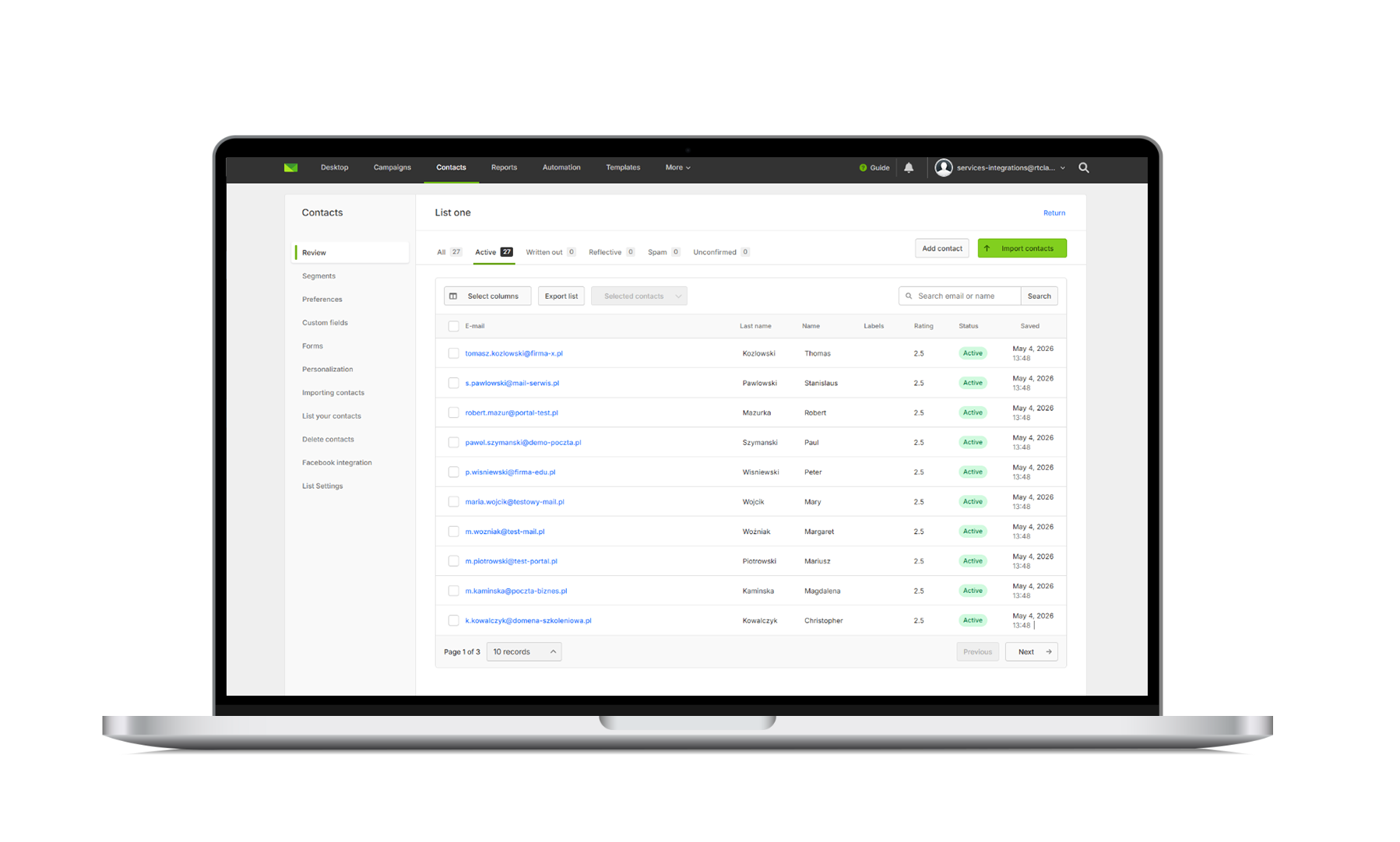
By integrating LiveWebinar with Ecomail, you remove the friction of manual data management. From the moment a participant registers for your event, their contact information is securely transferred to your specified Ecomail list. This ensures you can engage your audience immediately, nurture them with personalized content, and convert them into loyal customers - all without lifting a finger.
Why Integrate LiveWebinar with Ecomail?
Automatic List Building
Say goodbye to manual CSV uploads. Your mailing list grows automatically every time someone registers for your webinar.
Instant Follow-ups
Send emails the moment a user signs up. Whether it’s a welcome note or a reminder, your audience gets the right message exactly when they need it.
Better Organization
Automatically sort participants from different webinars into specific lists, making it easy to send personalized content based on their interests.
Zero Data Errors
No more manual entry mistakes. Your marketing database stays clean, accurate, and ready for your next campaign.
How It Works: Simple 3-Step Setup
Connecting your favorite tools takes only a few minutes. Here is how you can set it up:
- Authorize the Connection: Navigate to the Integrations tab in your LiveWebinar dashboard and connect your Ecomail account using your API credentials.
- Map Your Lists: Select the specific webinar registration form you want to track and choose the corresponding mailing list in Ecomail where the new contacts should be added.
- Go Live: That’s it! Every time someone registers for your webinar, the integration automatically pushes their details into Ecomail, ready for your automation workflows.
FAQ
Frequently Asked Questions
How difficult is the setup process?
Not at all! The integration is designed to be plug-and-play. You don’t need any coding skills or developer support. Simply navigate to your LiveWebinar integrations panel, enter your Ecomail API key, and you’re ready to go.
Is the data transfer real-time?
Yes. As soon as a participant submits the registration form for your webinar, their contact information is instantly pushed to your Ecomail list. There is no delay, allowing you to trigger "Welcome" emails or confirmations immediately.
What information is transferred to Ecomail?
Typically, we sync the contact’s name and email address. Depending on your webinar form settings, you can also pass through additional custom fields to ensure your form is as detailed as possible.
Can I map different webinars to different mailing lists?
Absolutely. This is the best way to keep your marketing organized. You can set specific webinars to sync with specific lists in Ecomail, ensuring your attendees only receive content relevant to the topic they registered for.
Is there an extra cost for using this integration?
The integration is available as part of your LiveWebinar account features. Please check your current plan to ensure that integration access is included.
What if I have trouble setting it up?
If you run into any issues, contact our support team.
Ready to Streamline Your Marketing?
Don’t let your webinar leads fall through the cracks. Start building your mailing lists on autopilot and focus on creating great content while the integration handles the heavy lifting.
Log in to LiveWebinar and Connect Ecomail Now